lesson 07
Advanced Topics
This lesson covers topics that are not necessary for day-to-day scene authoring but are useful when you want to customize Monocurl's behavior or understand what is happening under the hood.
Custom Libraries
You can extract common definitions to a library file. A library file is structured almost like a scene file, but only the library portion is imported into other files. The main purpose of a library file is to provide helper functions, custom operators, constants, and reusable mesh definitions that can be used in multiple scenes.
You can import your library file into a scene file with the import keyword. The import path is relative to the importing file and should not include the .mcs extension.
When a file is imported, Monocurl only imports the code before that file's first slide keyword. Every slide after the first slide is ignored for import purposes, including any imports that appear after that first slide.
This lets a helper file keep a small demo scene below its library definitions, and is useful for editing the library file in isolation.
8let Double = |x| 2 * x
"demo"
print Double(4)Another file that imports it can use Double, but the demo slide is not compiled into the importing scene.
Stateful Values And Parameters
Stateful values are values that depend on scene state and continuously update. The main place where stateful values is camera-aware overlays. camera_transfer{camera, $camera} keeps a mesh fixed relative to the frame while the camera moves (read docs for full explanation), and orient_to_camera{$camera} continuously rotates planar mesh trees toward the camera. However, apart from that, stateful should be avoided and it's more idiomatic to make the meshes have attributes that you explicitly update.
mesh fully_fixed =
camera_transfer{camera, $camera}
to_side{1u, 0.2}
Text("fixed in frame")
mesh rotationally_fixed =
orient_to_camera{$camera}
to_side{1d, 0.2}
Text("rotationally fixed")
mesh not_fixed = Text("not fixed")
"Camera"
camera = Camera([2, 1, 5])
play CameraLerp(&camera, 1.2)The source of state is param, which works similar to mesh: it has a leader value that code edits and a follower value that animation plays toward. Top-level params are also exposed as interactive controls in presentation mode.
The most common parameters are camera and background, which are a bit special as they actually affect the visual scene, other parameters are typically used for controlling meshes.
Reading a param normally, such as radius, reads its current leader value. Reading it with $, such as $radius, creates a stateful reference to the live value. You can think about it as if the expression gets continually re-evaluated as the value changes (although it's more efficient in practice).
You can only assign stateful values to meshes. there's limited operations that you can do on them. You're allowed to use them as function arguments, operator arguments, and in lists. You can access attributes in most cases as well. When you assign a stateful value to a mesh and synchronize the mesh through any animation, the synchronization is not a "pure" sychronization. Instead, the leader mesh will evaluate using the leader parameters, and the follower mesh will evaluate using the follower parameter. This means that by animating the parameters, you will change the on-screen dependent meshes.
The following is somewhat of a toy example since it could've easily been done with attributes, but illustrates how parameters/stateful can be used. The more common use case is when many variables would naturally depend on one scene state or when you want to change the parameter values in presentation mode.
param radius = 0.36
let Bubble = |radius, col|
fill{alpha{0.2} col}
stroke{col, 2}
Circle(radius)
"Parameter"
mesh bubble = Bubble(radius: $radius, col: BLUE)
# referencing bubble nakedly uses the CURRENT value
# so copy does not statefully depend on bubble!
# try doing $bubble instead to see what happens
mesh copy = bubble
# the bubble leader depends on the radius leader
# the bubble follower depends on the radius follower
play Fade(0.4)
# This edits the parameter leader.
radius = 0.8
# if you inspect bubble (leader) right now
# it will be a circle
# now we'll synchronize the radius follower
# even though bubble was not changed since the last synchronization
# its follower depends on the radius follower
# so the bubble will change
# on the other hand, `copy` "elided" the stateful value
# and no longer depends on radius so it remains the same
play Lerp(1.0)Finally, we note that even though stateful can't do many operations (such as addition), it can be the argument to any function. Under the hood, on each re-evaluation, the function is recalled with the current value of the stateful argument. This allows you to bypass this restriction, albeit more verbosely.
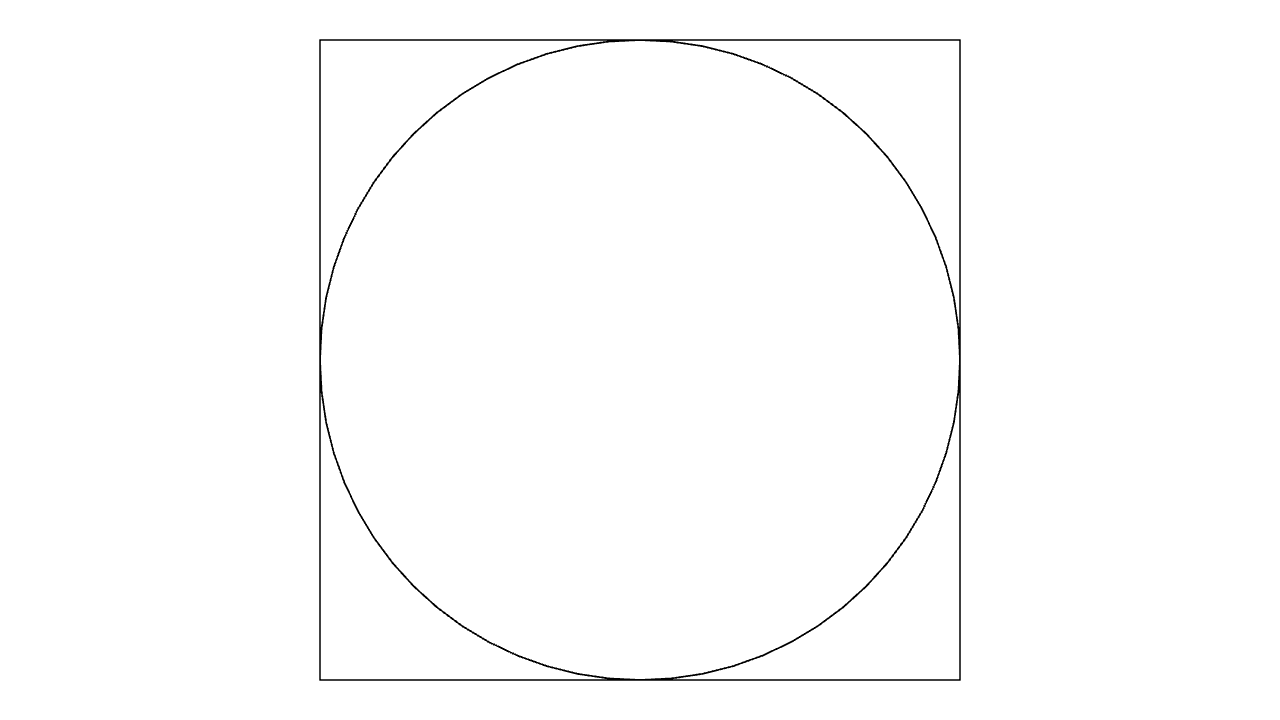
param radius = 2

mesh circle = fill{CLEAR} Circle($radius)
# won't work, can't do * on a stateful value
# mesh square = Square(2 * $radius)
# ... but you can use it as argument to any function
let double = |x| 2 * x
mesh square = fill{CLEAR} Square(double($radius))
Advanced LaTeX
By default, Monocurl uses a bundled LaTeX backend. If you need your system LaTeX installation for packages or fonts, the desktop settings can switch to a custom system latex plus dvisvgm backend. The CLI has the matching --system-latex flag. This allows you to use features in latex not provided by the default bundle.
Please note that unlike many other languages, Monocurl uses % as the escape character for strings instead of \, so you do not have to double escape backslashes when writing LaTeX.
Text is for literal text. Tex is for ordinary math fragments. Latex is for fuller LaTeX body fragments and accepts an additional_preamble argument for package or font declarations.
Tex and Latex return mesh geometry, so they can be styled, tagged, filtered, and animated like other meshes. Use text_tag{...} inside the text input when only part of the rendered expression needs a stable identity.
mesh eq = Tex([text_tag{1} "x", " + ", text_tag{2} "1"], 0.8)
"Equation"
play Write(0.8, [&eq])
eq = Tex([text_tag{2} "1", " + ", text_tag{1} "x"], 0.8)
play TagTrans(1.0, [&eq])If a Tex(...) call fails to render, the transcript will show the LaTeX compiler output. The most common causes are missing packages and invalid LaTeX syntax in the string argument.
Custom Operators and How They Work Under The Hood
Recall that operators are functions that receive a target and return a transformed target. They are written before the thing they operate on, which makes them good for reusable style and placement pipelines.
let soft_badge = operator |target, col|
    fill{alpha{0.18} col}
    stroke{col, 2}
    target

mesh markers = [
    center{1.2l} soft_badge{BLUE} Circle(0.35),
    center{1.2r} soft_badge{ORANGE} Square(0.6)
]
A key property of operators is that you can lerp between x and op{} x for many operators. For instance, the following is valid
mesh org = Triangle(0l, 1u, 1r)
play Set()
org = rotate{180dg} org
play Lerp()
While the majority of the time you can define your own operators in terms of stdlib operators, you can also build custom operators that carry their own interpolation behavior. A primitive operator returns the "identity" and "operated" values. The identity value should "look" like the unmodified operand, but contain additional attributes that allow it to be interpolated with the "operated" value directly.
For example, this is how rotate is implemented:
let rotate = operator |target, radians, axis = 1b, pivot = nil, filter = nil| {
    let go = |angle| __monocurl__native__ op_rotate(target, angle, axis, pivot, filter)
    return [go(angle: 0), go(angle: radians)]
}
The actual rotation is done by a native rust function for efficiency, but the main point is that we're returning two values. The first one rotates by zero, which is the identity state. The second rotates by the desired amount. In most calculations, the operator is just treated as the second return valued. But when lerping between x and rotate{180dg} x, Monocurl will see that this should be an operator lerp and look at the identity value and "actually" lerp between go(angle: 0) and go(angle: 180dg) which it can do via traditional interpolation.
Primitive Animations
The animation model is built on leader/follower synchronization. Code edits leaders immediately; play tells followers how to catch up.
The lowest-level public wrapper is PrimitiveAnim(time, &vars, embed, lerp, rate). Higher-level animations, such as Lerp and Trans eventually reduce to primitive animations.
PrimitiveAnim specifies how the follower should be synchronized to the leader. The idea is that you can provide a custom interpolation function that might differ from lerp. For instance, here is how CameraLerp is defined in the stdlib.
let CameraLerp = |&camera, time = 1, rate = smooth| {
    let embed = |start, dst| __monocurl__native__ camera_lerp_embed(start, dst)
    let value_lerp = |start, end, state, t| __monocurl__native__ camera_lerp_value(start, end, t)
    return PrimitiveAnim(time, &camera, embed, value_lerp, rate)
}
Most of the heavy lifting is done in Rust, but we can still walk through the general flow. The embed function preprocesses the start and end, returning [mod_start, mod_end, embed_state]. This is useful for animations like Trans which need to do expensive matching algorithms, so we would prefer to only have to do it once at the start. The interpolation function receives the arguments of embed as well as the normalized t value, and is asked to interpolate according to the desired behavior. In CameraLerp's case, this amounts to performing a spherical interpolation to make the viewing more natural.