lesson 06
AI Development
Monocurl scenes are plain text files and LLMs can be quite helpful in avoiding boilerplate / tedious layout tasks.
Current Status
Monocurl has an MCP (Model Context Protocol) server that lets compatible AI assistants directly read Monocurl's documentation, stdlib reference, CLI notes, and example scenes as structured resources. This is the recommended way to give an AI assistant Monocurl context.
The server is published on npm as @enigmurl/monocurl-mcp. It is a documentation server only. It does not edit scenes, run Monocurl, render images, or validate code.
For an MCP client that accepts stdio server configuration, add:
{
  "mcpServers": {
    "monocurl": {
      "command": "npx",
      "args": ["-y", "@enigmurl/monocurl-mcp"]
    }
  }
}
For Claude Code, the equivalent command is:
claude mcp add --transport stdio monocurl -- npx -y @enigmurl/monocurl-mcpFor Codex, add this to ~/.codex/config.toml:
[mcp_servers.monocurl]
command = "npx"
args = ["-y", "@enigmurl/monocurl-mcp"]
After installing it, ask the assistant to read the Monocurl MCP resources before writing a scene.
Example Prompt
You can paste something like this into an AI coding assistant:
You are helping me write a Monocurl scene. Monocurl is a programming language and desktop app for creating mathematical animations with live preview, video export, and slideshow-style presentation.

Install and use the Monocurl MCP context server before writing code. If your MCP client supports stdio servers, add a server named monocurl with:

command: npx
args: ["-y", "@enigmurl/monocurl-mcp"]

Then read the Monocurl MCP resources, especially the language overview, stdlib docs, CLI guide, and example scenes.

When writing and testing Monocurl code, keep these points in mind:

1. If the `monocurl` binary is not on PATH, look for the application binary manually. On macOS, check `/Applications`, `~/Applications`, or the app bundle contents. On Windows, check `Program Files` for `Monocurl.exe`. The binary can run scenes and inspect print output.
2. Be mindful when sizing text. Text sizes smaller than `0.5` are typically illegible. Prefer larger text that is easy to read during presentations.
3. In most cases, do not explicitly specify the variables to animate. The default behavior animates all dirty leaders, so the variables list can usually be left as `[]`.
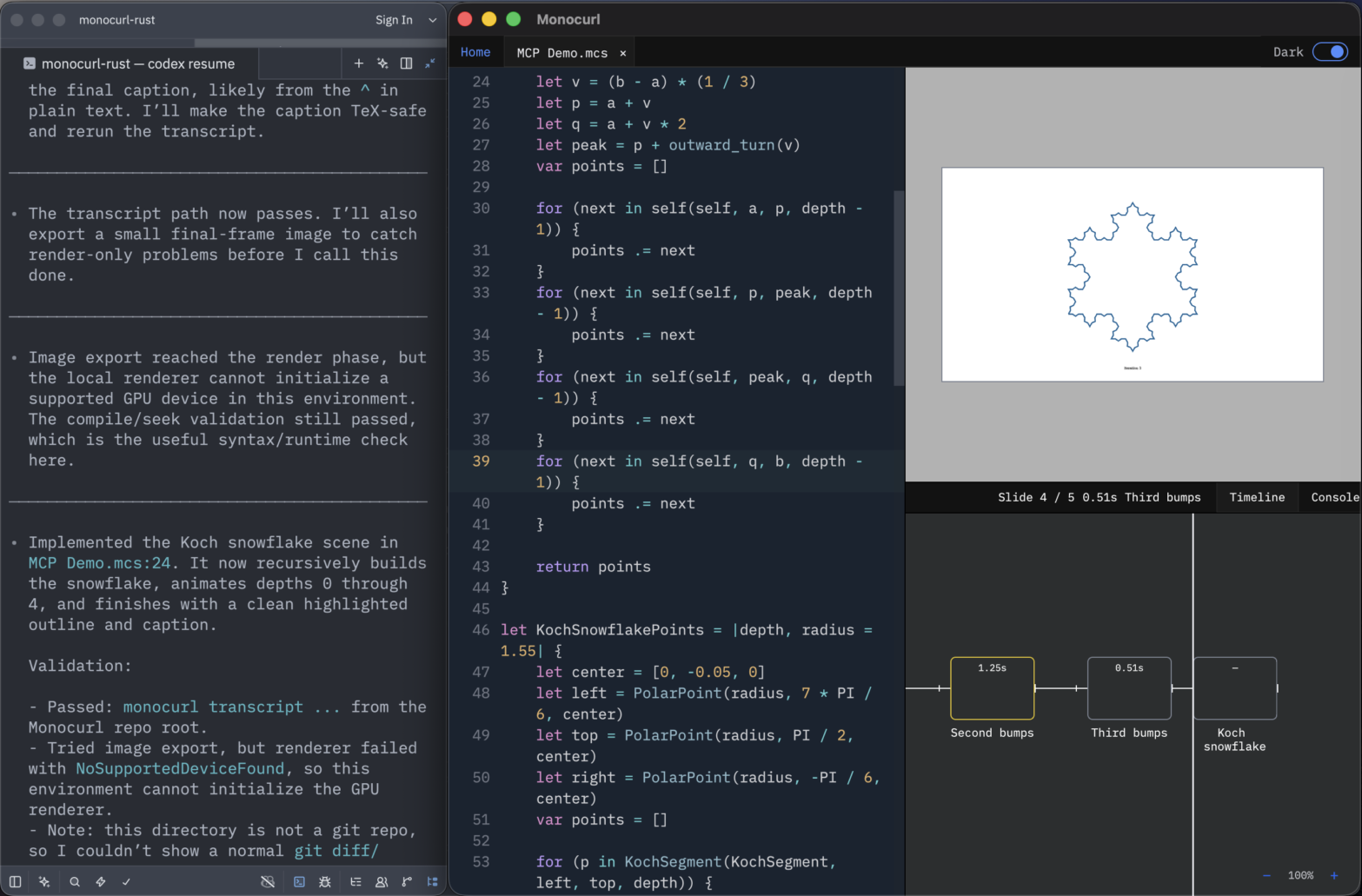
4. Your sandbox may not have access to a GPU device, so CLI image or video rendering may fail. Use print statements and the transcript command heavily to check positioning, values, and the general structure of the scene.
Headless Mode
Monocurl will watch for file changes and dynamically update the timeline and viewport in response to any external edits, including those from AI agents. Consequently, you can use your preferred text editor or an AI agent to write the scene source file, then switch back to the Monocurl editor to see the results and scrub through the timeline. If you would prefer to use the left hand space for a terminal instead of the default editor, enable headless menu under the File menu.