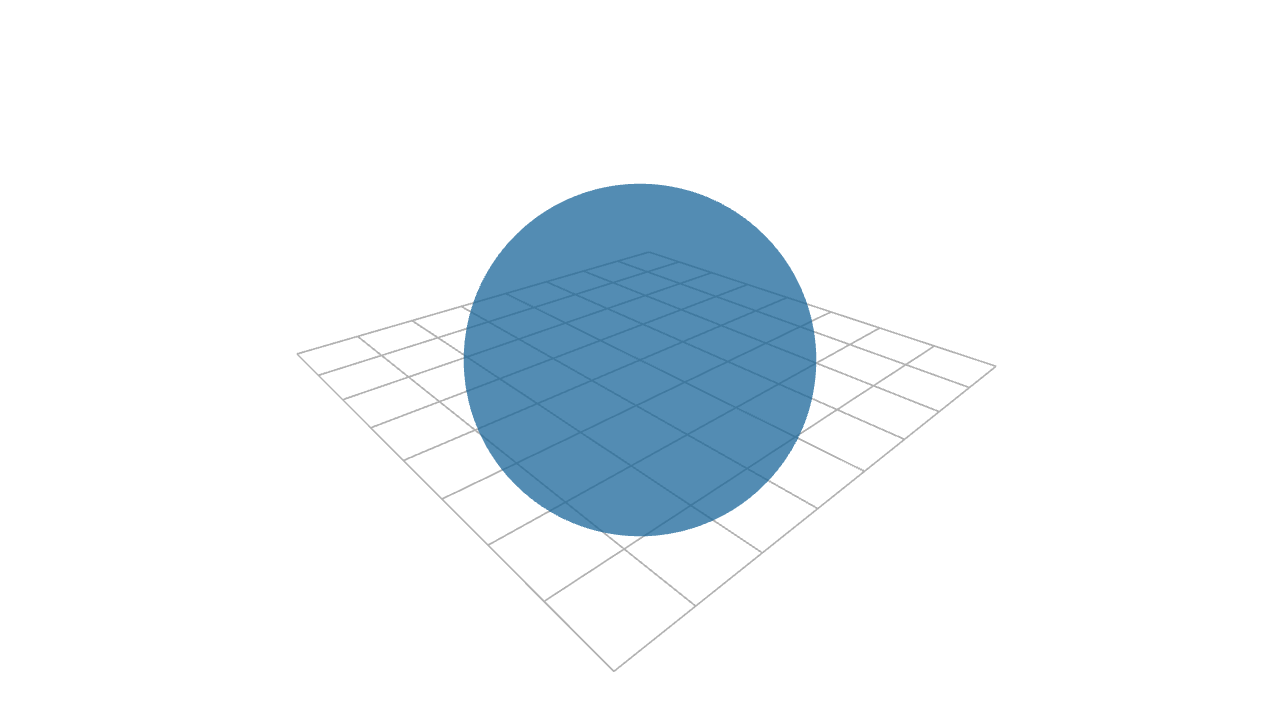
A single point in 3-D space, rendered as a viewport-facing dot.
Unlike most line/surface primitives, Dot has a visible default radius; topology dots created internally by other constructors are invisible unless styled.
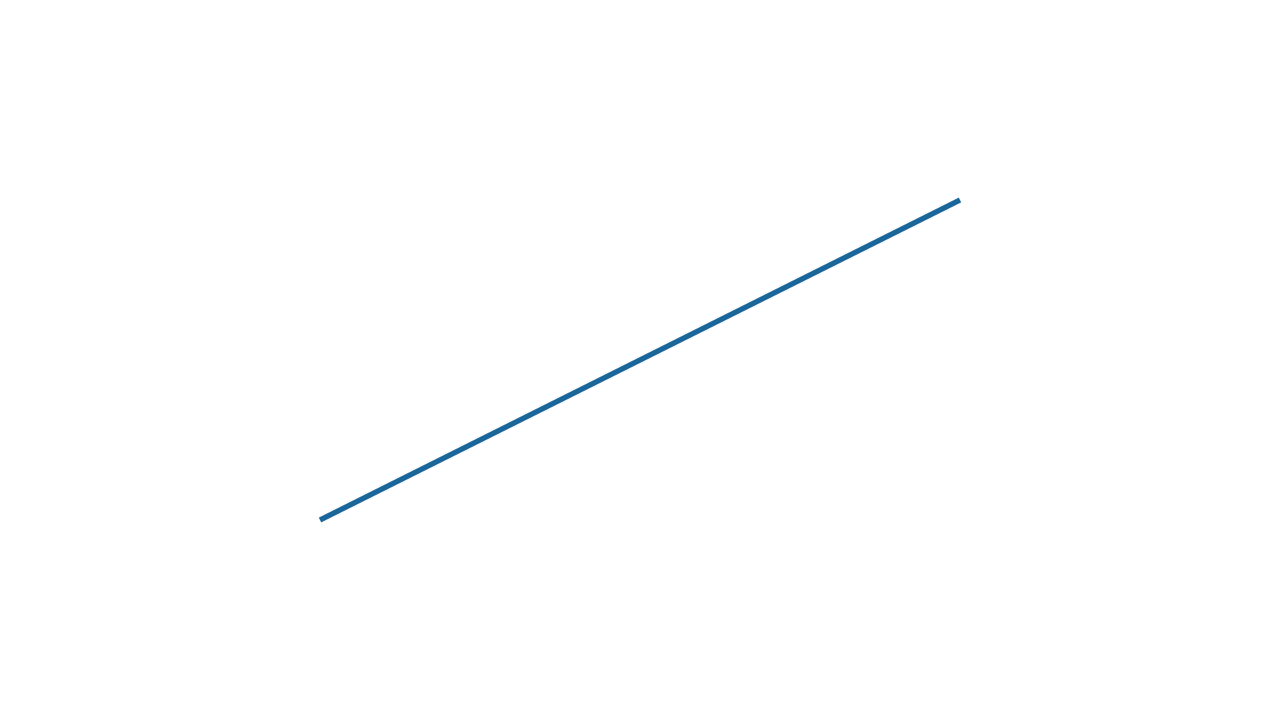
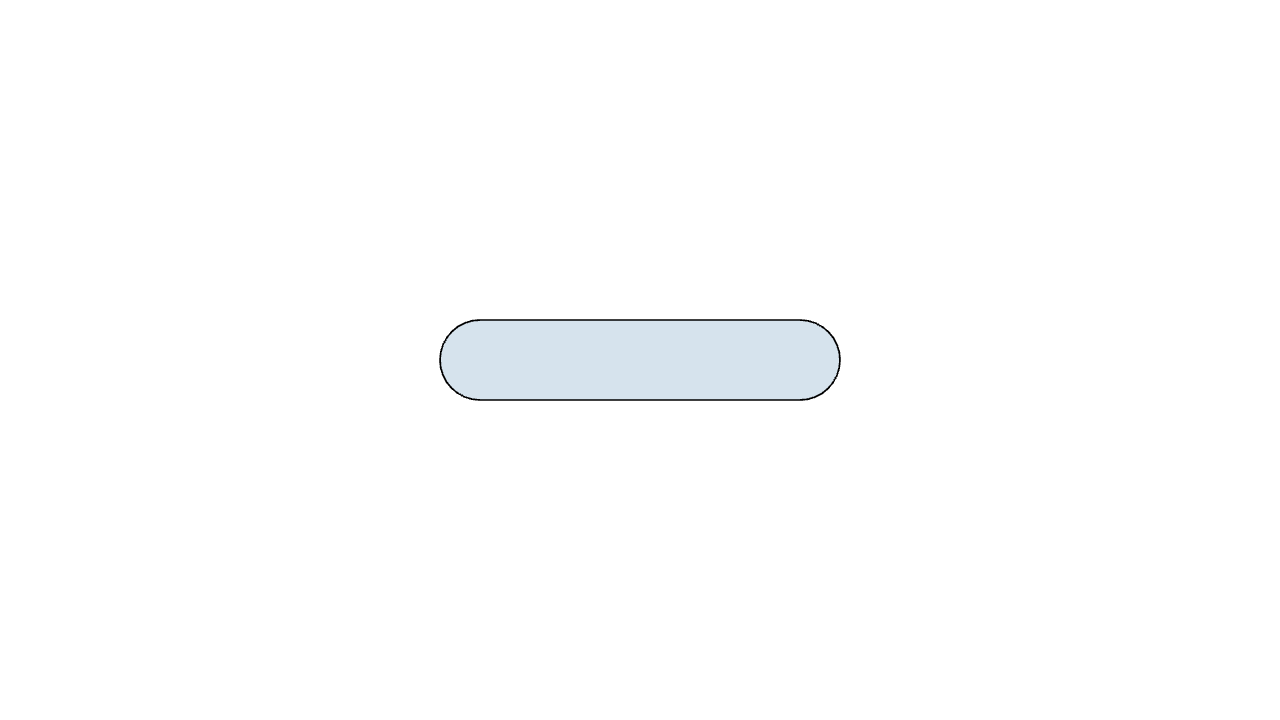
A straight dashed line segment between two points.
Convenience for dashed{lengths, offset} Line(start, end, normal). A scalar lengths uses the same dash and gap length; a [dash, gap] pair sets them independently. The result interpolates from a solid to a dashed line, so animating it dashes in -- a plain dashed{...} Line(...) renders dashed right away instead.
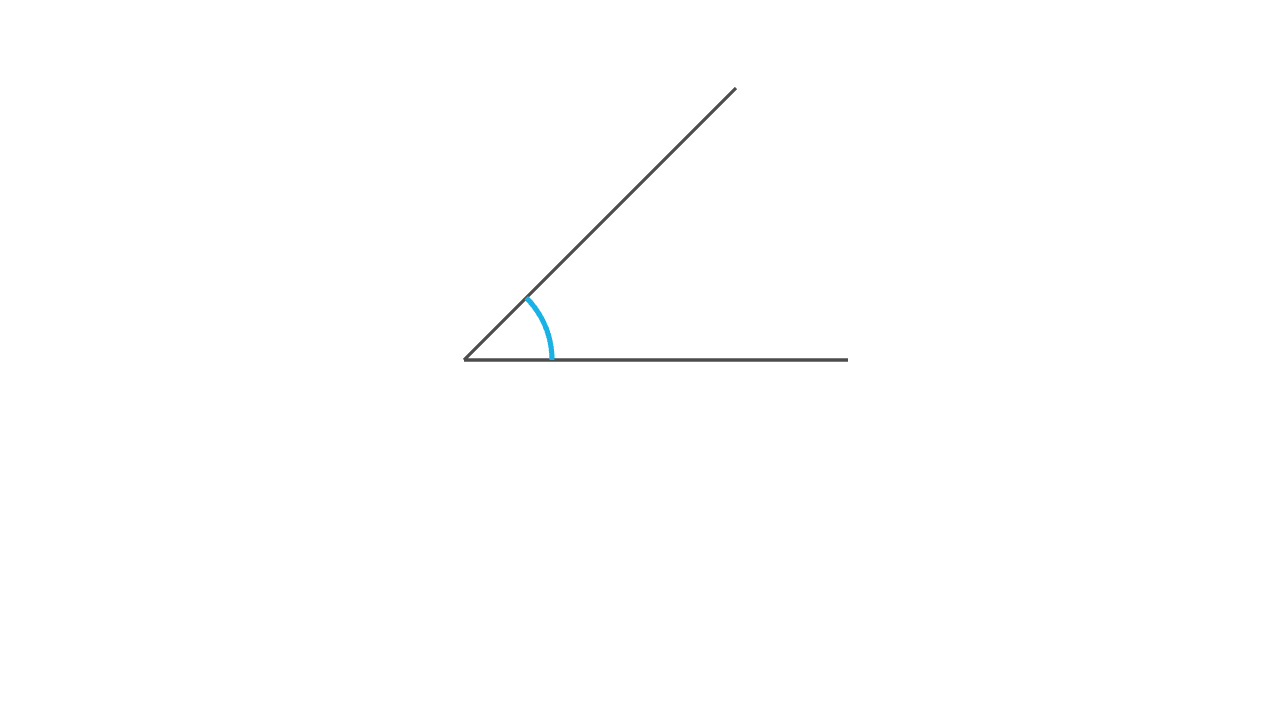
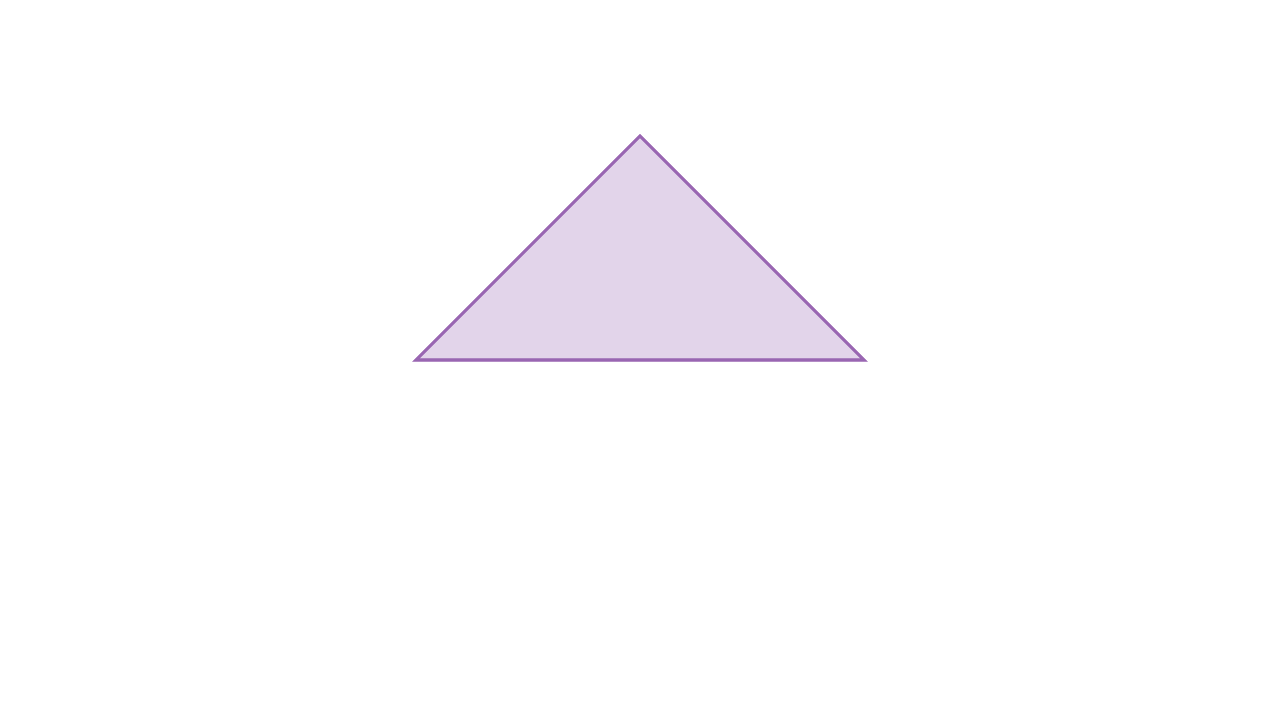
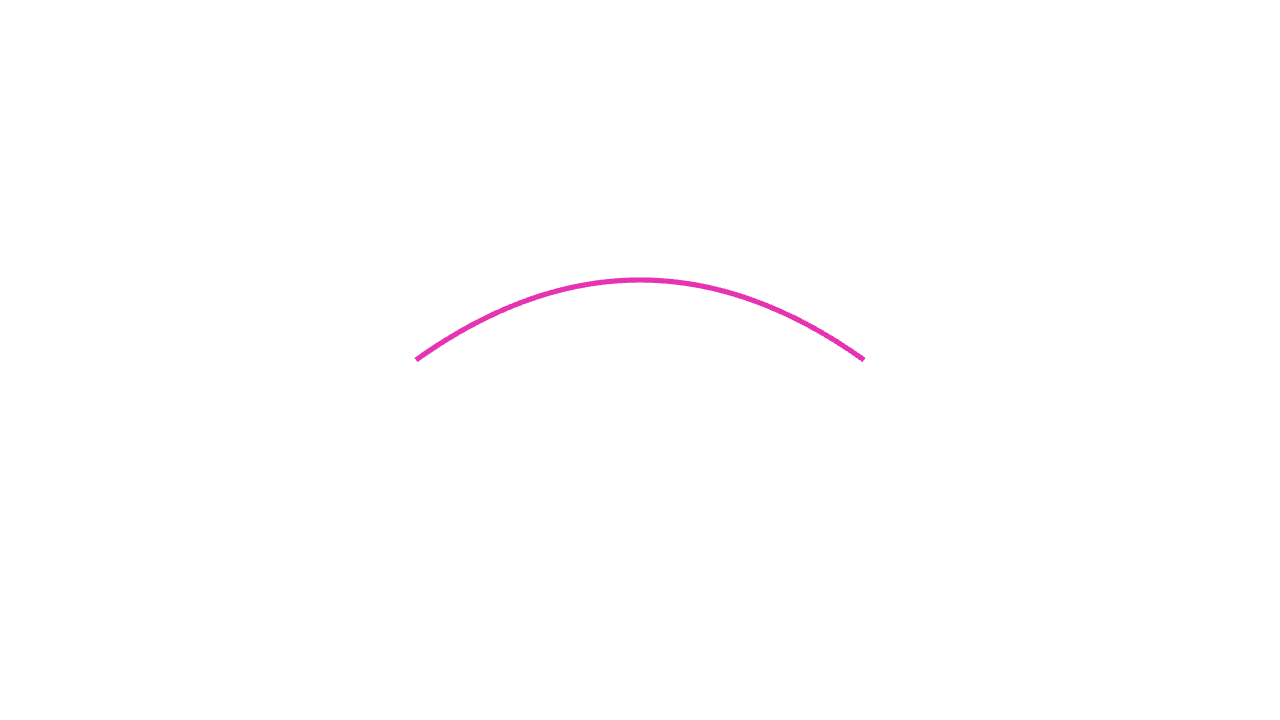
Arc marker for the angle at vertex between the rays toward a and b.
Drawn in the XY plane as a stroke arc of the given radius, sweeping the shorter way from the vertex->a direction to the vertex->b direction. Set reflex truthy to mark the outer (>PI) angle instead. Style it with stroke{...} and pair it with a Tex/Label for the measure.
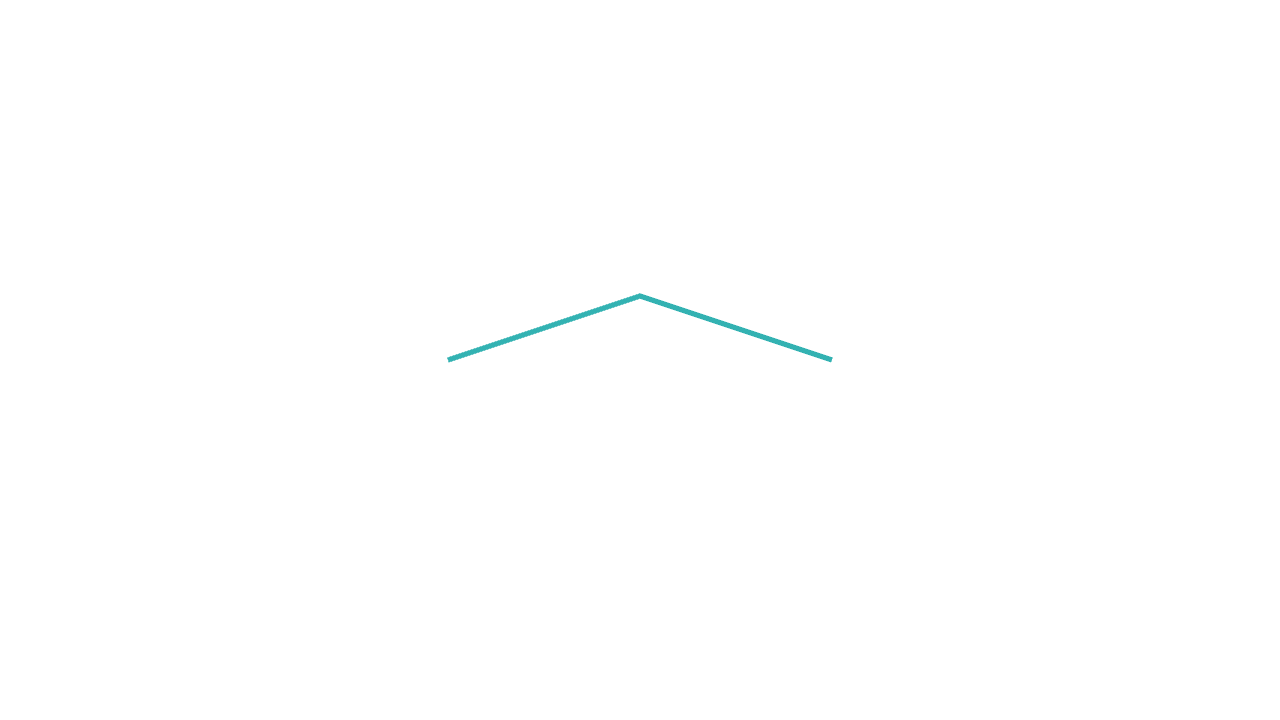
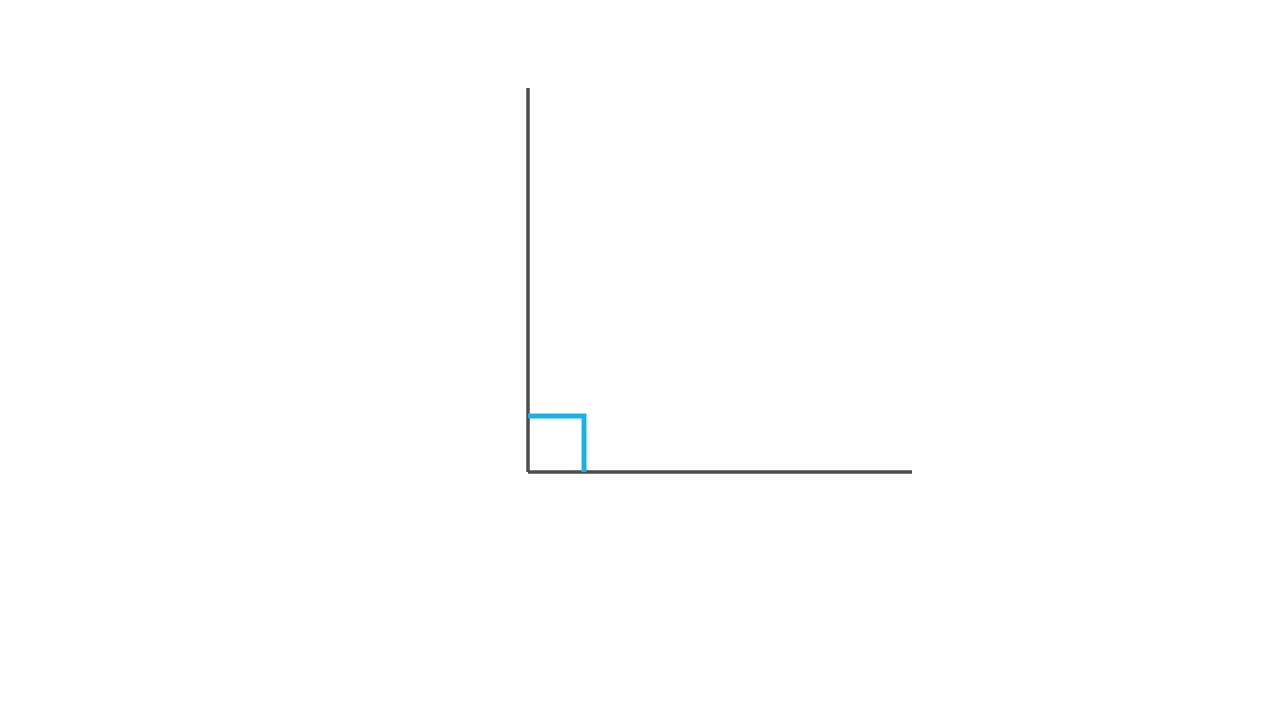
Right-angle (square corner) marker at vertex, between the rays toward a and b.
Two short segments of length size forming an L in the XY plane, for perpendicularity marks on diagrams. Style with stroke{...}. The rays do not need to be exactly perpendicular; the marker is always a square of the given size.
By default each visible cell gets one flat color sampled at the cell corner. Pass smooth = 1 to color vertices for smooth interpolation, or pass a callable as the fourth argument to use it as the mask while keeping flat colors. color_at receives (pos, [ix, iy]); mask receives pos.
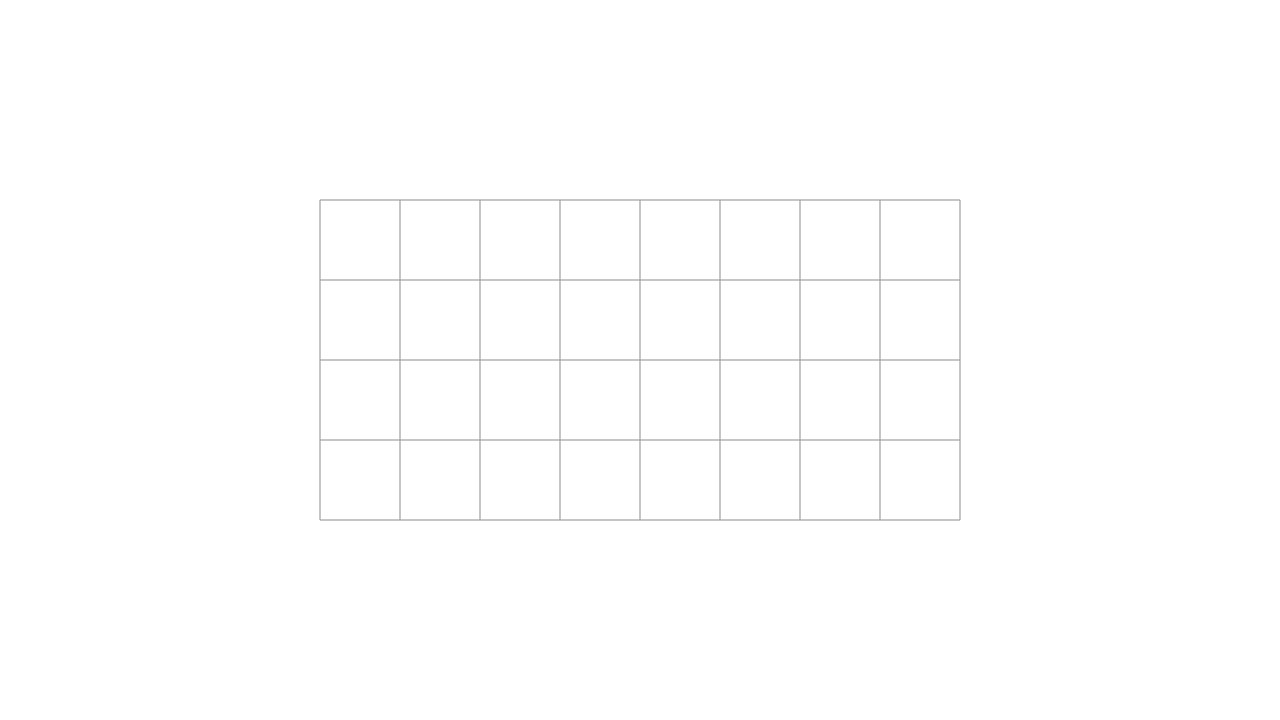
Sample a mesh-producing function over a rectangular field.
mesh_at receives (pos, [ix, iy]); mask receives pos. Calls are batched internally, so this is the preferred way to build repeated arrows/glyphs on a grid.
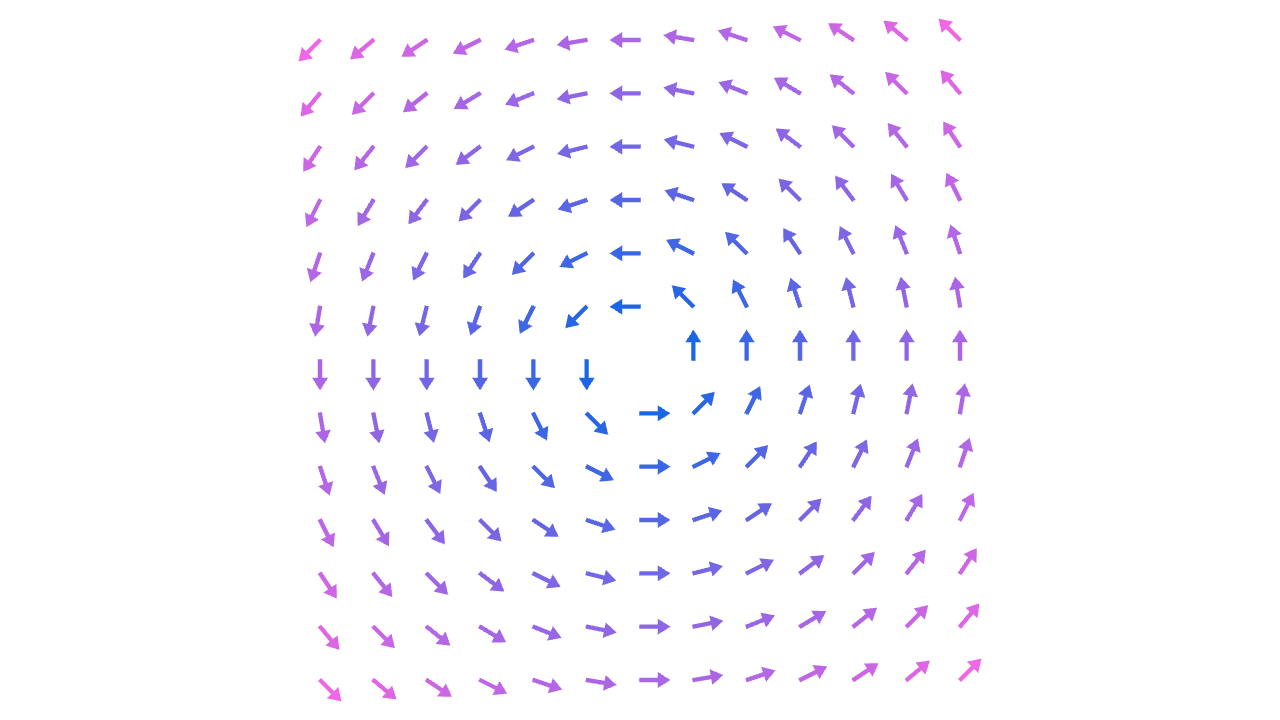
Arrow vector field: an arrow at each grid point for the vector f(pos), with a length-normalisation mode and an optional colour-by-magnitude callback.
Thin wrapper over Field + Arrow. mode controls arrow length: "true" draws the raw vector; "normalized" (default) draws every arrow at length length; "clamped" draws the true direction with length capped at length. color_at receives (pos, magnitude) and returns an RGBA colour; leave it nil to keep the default arrow colour. mask receives pos.
The image is rendered as a textured upright rectangle in the XY plane. name may be a bundled asset name or a project-relative path resolved by the runtime. Not available in web runtimes yet.
letImage=|name,center=[0,0,0],size=[1,1]|...
name
image asset name or path, relative to the currently invoked scene or library
filename should be a project-relative .svg file path, passed as a string such as "icons/play.svg" rather than pasted raw SVG markup. File imports resolve supported relative SVG references from the SVG file's folder. The importer handles ordinary solid-color fills and strokes best; unsupported SVG features such as gradients, filters, masks, and raster images may be ignored. SVG coordinates are y-down, so imported geometry is flipped into Monocurl's y-up scene space. At scale = 1, 100 SVG units map to 1 scene unit. Not available in web runtimes yet.
letSvg=|filename,scale=1|...
filename
project-relative .svg file path
scale
scene scale where 100 SVG units equal scale scene units
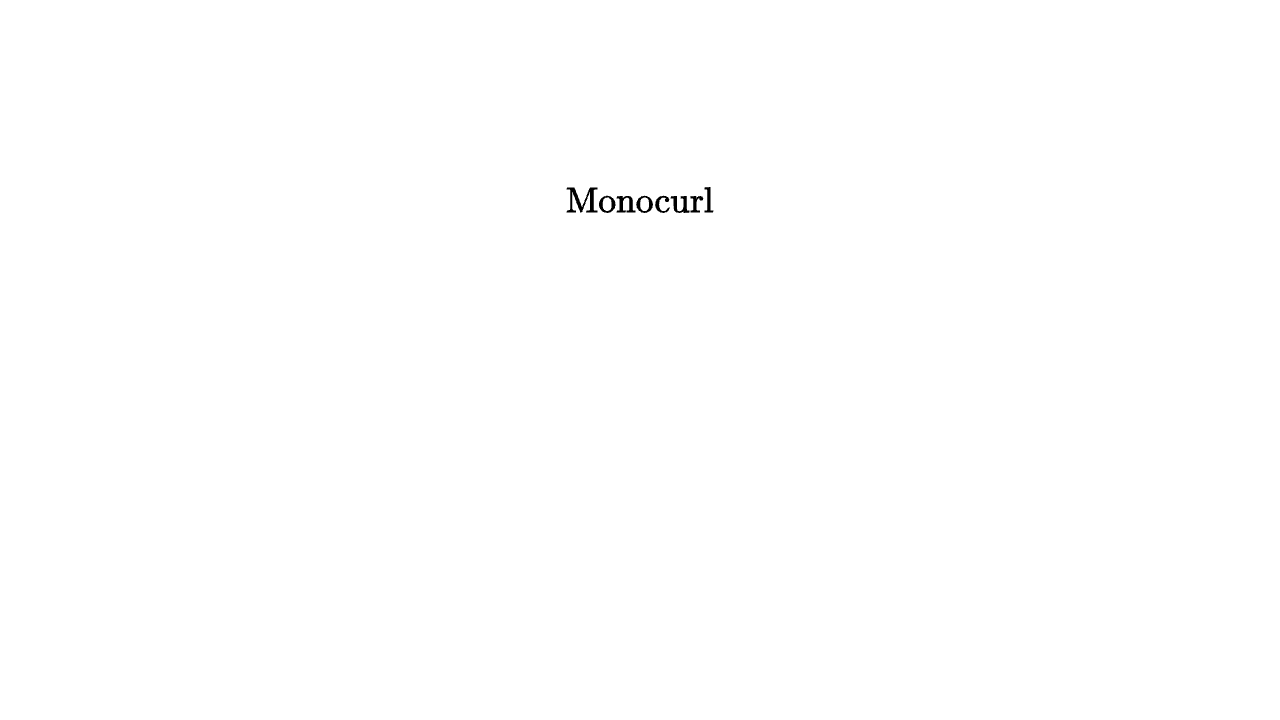
Use Text for literal text. It still returns mesh geometry, so Write, Fade, tag_filter, and styling operators all apply. With the default font = nil, text is rendered through the existing LaTeX backend. Passing a string such as "Arial" uses system-font SVG outlines instead; a .ttf, .otf, .ttc, or .otc path is resolved relative to the scene file. Custom/system/font-file text fonts are not available in web runtimes yet; keep font = nil there. Apply text_tag{...} inside the text argument when only part of the rendered text should be addressable; apply tag{...} outside Text when the whole rendered label should share one identity. String escapes use %, not \: write %" for a quote, %% for a literal percent sign, and LaTeX-style backslashes directly.
letText=|text,scale=1,font=nil|...
text
string/list text fragments; use text_tag{...} on fragments that need stable mesh tags after rendering
font
nil for the existing LaTeX-backed renderer, or a system font family / font file path for direct SVG font outlines
Math text converted through TeX into mesh geometry.
Tex renders TeX math (the body is already in math mode -- no $). It takes a raw string or a list of fragments; the list is concatenated with no separator, so write " + " and other spacing as its own fragment. text_tag{...} fragments, and the raw \text_tag{1,2}{...} / \tagN{...} markers, become tagged mesh contours for tag_filter, filtered styling, and TagTrans.
Monocurl strings escape with %, not \, so LaTeX commands are written directly ("\frac{a}{b}"); use %% for a literal percent. For non-math document structure use Latex; for Typst's lighter syntax use Typst.
letTex=|tex,scale=1|...
tex
a TeX math string, or a list of string / text_tag{...} fragments
scale
text height in scene units
imagedoc-mesh-tex-1.mcl
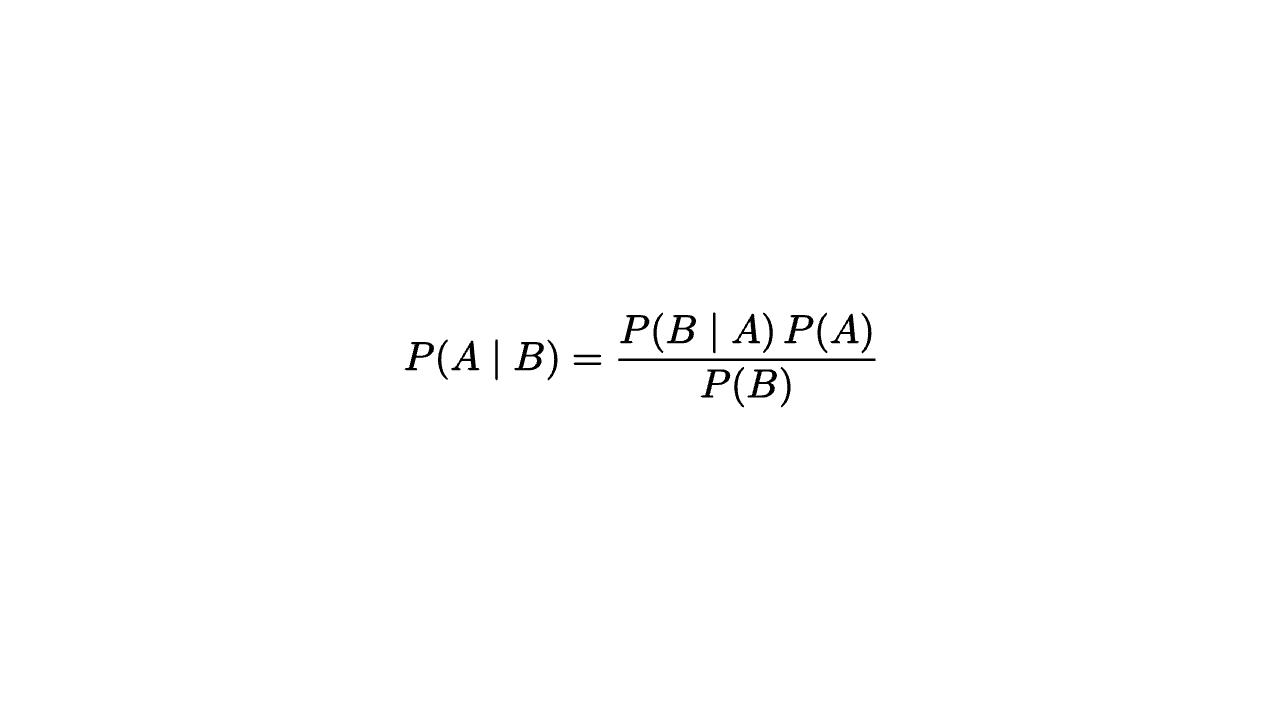
mesheq=center{ORIGIN}Tex("P(A \mid B) = \frac{P(B \mid A)\,P(A)}{P(B)}",0.9)
Typst markup and math compiled into mesh geometry (desktop only).
content is compiled by the bundled Typst engine, rendered to SVG, and converted to contours, so Write, Fade, TagTrans, tag_filter, and every styling operator behave exactly as they do for Tex. The page is shrink-wrapped (auto size, zero margin, transparent fill) so the geometry is cropped to the ink. Bundled fonts cover the Typst defaults: New Computer Modern for math, Libertinus Serif for text, DejaVu Sans Mono for code.
Reach for Typst over Tex when you want Typst's lighter math syntax (sum_(i=1)^n, mat(1, 0; 0, 1), cases(...)) or its prose markup (= Heading, *bold*, _italic_). Math lives in $...$; $ x $ with surrounding spaces is display style, $x$ is inline. Typst is not available in web runtimes -- a browser scene must use Tex or Text. #import, Typst packages, and file reads are not available to inline snippets.
Monocurl strings escape with %, not \, so Typst source is written directly ("$sum_(i=1)^n i$"); write %% for a literal percent and %n for a newline, since a string cannot span source lines. A list argument is joined with no separator -- ["= A", "= B"] becomes "= AB" -- so put the breaks in yourself: ["= Title", "%n%n", "body text"].
A fragment can be tagged three ways, all yielding ordinary mesh tags usable by tag_filter, filtered styling, and TagTrans:
text_tag{...} list fragments ([text_tag{1} "$a^2$", " + ", text_tag{2} "$b^2$"]) -- the portable form shared with Tex, and the only one that accepts a multi-component tag such as text_tag{[2, 7]}.
raw \tagN{...} or \text_tag{1,2}{...} markers inside the string.
the native Typst helper tag(n, body) supplied by the preamble: "#tag(1)[alpha] beta #tag(2)[gamma]". Inside math keep the # and wrap the body in its own $...$: "$ #tag(1)[$a^2$] + b^2 $". n is a single component in 0..=255.
letTypst=|content,scale=1|...
content
a Typst source string, or a list of string / text_tag{...} fragments
scale
text height in scene units; Typst("$x^2$") at scale 1 is close to Tex("x^2") at scale 1
imagedoc-mesh-typst-1.mcl
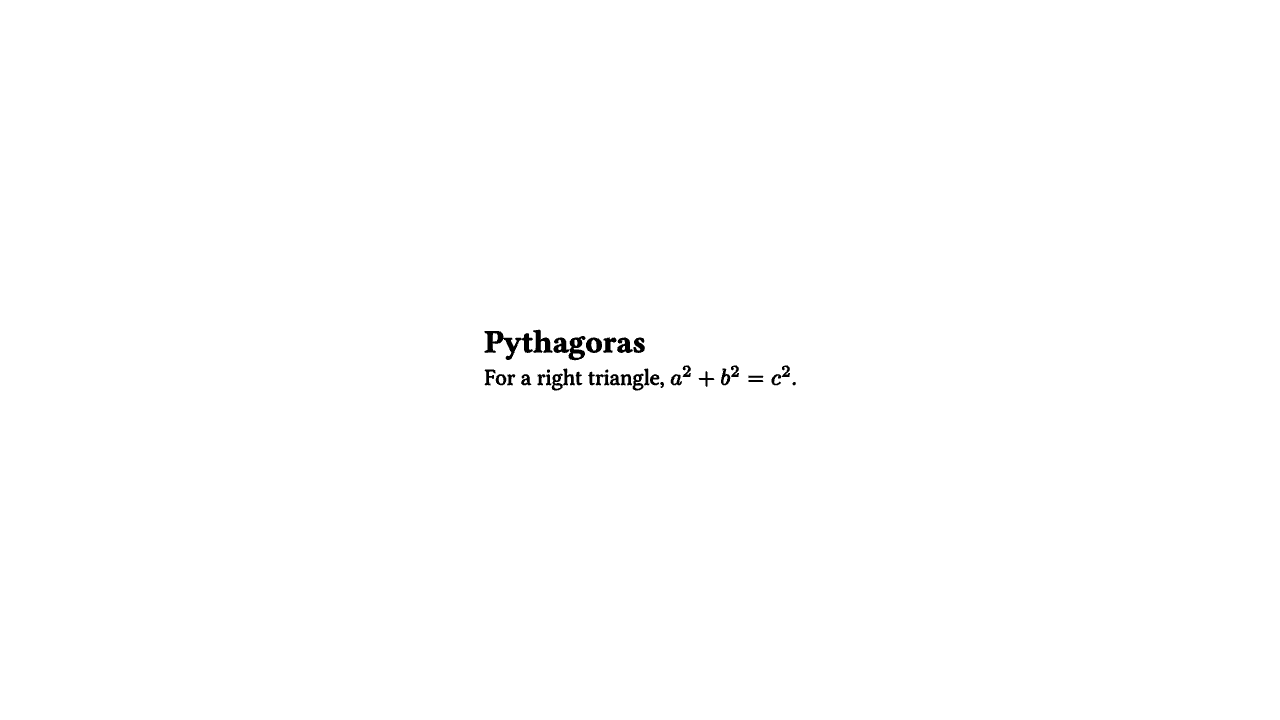
# `%n%n` is a paragraph break; a Monocurl string cannot contain a real newlinemeshnote=center{ORIGIN}Typst("= Pythagoras%n%nFor a right triangle, $a^2 + b^2 = c^2$.",0.5)
imagedoc-mesh-typst-2.mcl
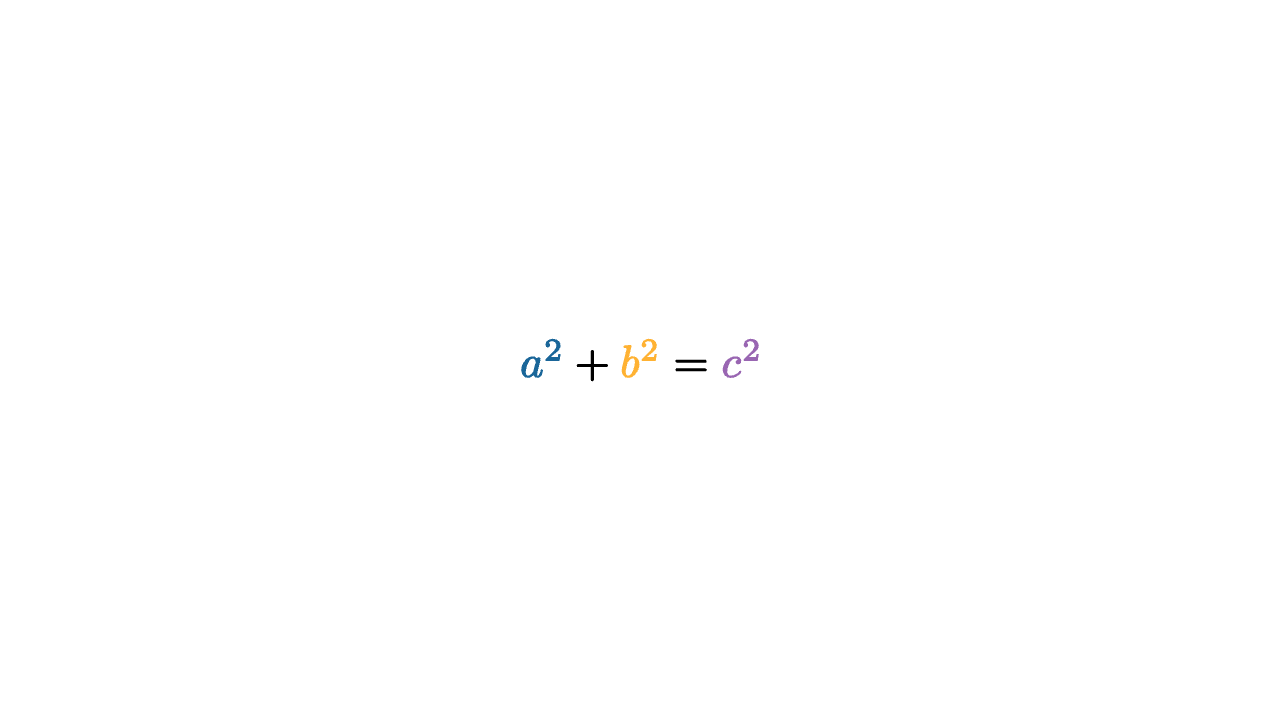
# per-term colour via the native `#tag(n)[...]` helper; note the inner `$...$`letpalette=operator|t|color{PURPLE,|g|3ing}color{ORANGE,|g|2ing}color{BLUE,|g|1ing}tmesheq=center{ORIGIN}palette{}Typst("$ #tag(1)[$a^2$] + #tag(2)[$b^2$] = #tag(3)[$c^2$] $",1)
imagedoc-mesh-typst-3.mcl
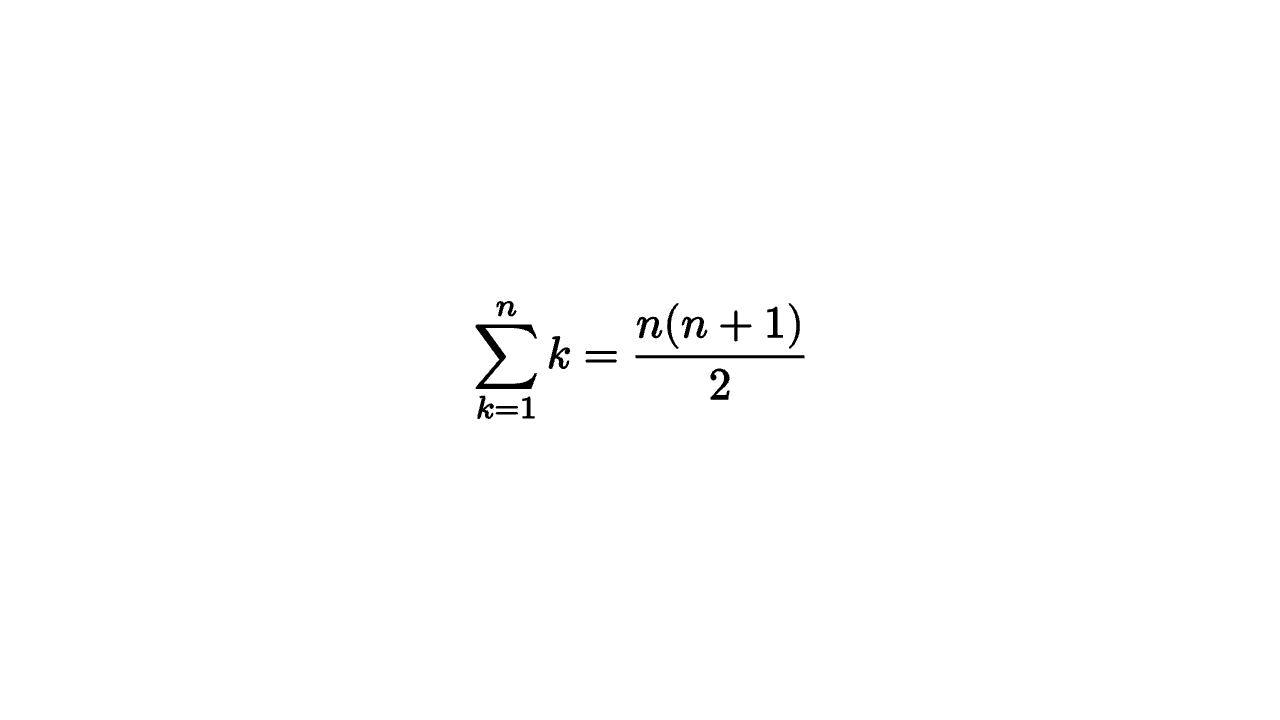
# Typst math shines on dense notationmeshseries=center{ORIGIN}Typst("$ sum_(k=1)^n k = (n(n+1)) / 2 $",1)
Give an equation or label fragment a stable identity before it is rendered to contours.
text_tag{tag} fragment is the tool for equation choreography: it marks a slice of a Text / Tex / Latex / Typst argument so that every contour the backend produces for that slice carries tag. Those tags are then ordinary mesh tags -- tag_filter, filtered color{...} / stroke{...}, and TagTrans all key off them -- so "the x^2 term" stays addressable across a whole slide sequence even as the glyphs move and reshape.
text_tag{...} goes inside the constructor and tags only its fragment; tag{...} goes outside and relabels the entire rendered mesh. A raw string can carry the markers directly instead: \text_tag{1,2}{...} or the shorthand \tagN{...}.
The argument is a list of fragments, and the backend concatenates them with no separator -- ["a", "b"] renders as ab. Put spacing inside the strings (" + ", "%n"), not between list entries.
Nesting is allowed and the innermost tag owns any overlapping contour, so text_tag{1} ["(", text_tag{2} "x", ")"] gives the parentheses tag 1 and the x tag 2. A tag may be a list for several identities at once (text_tag{[2, 10]}); text_tag{[]} is a valid empty tag list.
lettext_tag=operator|target,tag|...
target
the string-compatible fragment to tag
tag
an integer, or a list of integers for multiple identities; [] is allowed
imagedoc-mesh-text-tag-1.mcl
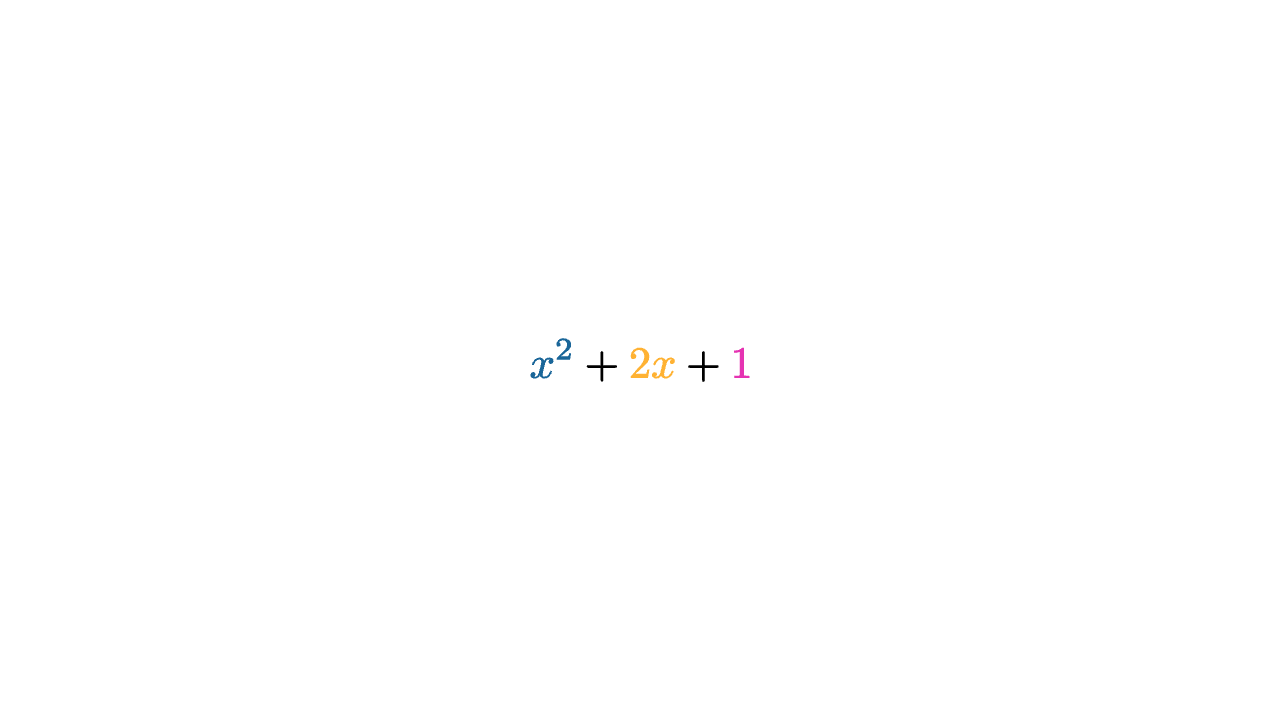
# one palette keyed purely by tag, reused for every state of the equationletpalette=operator|t|color{MAGENTA,|g|3ing}color{ORANGE,|g|2ing}color{BLUE,|g|1ing}tmesheq=center{ORIGIN}palette{}Tex([text_tag{1}"x^2"," + ",text_tag{2}"2x"," + ",text_tag{3}"1"],1)
imagedoc-mesh-text-tag-2.mcl
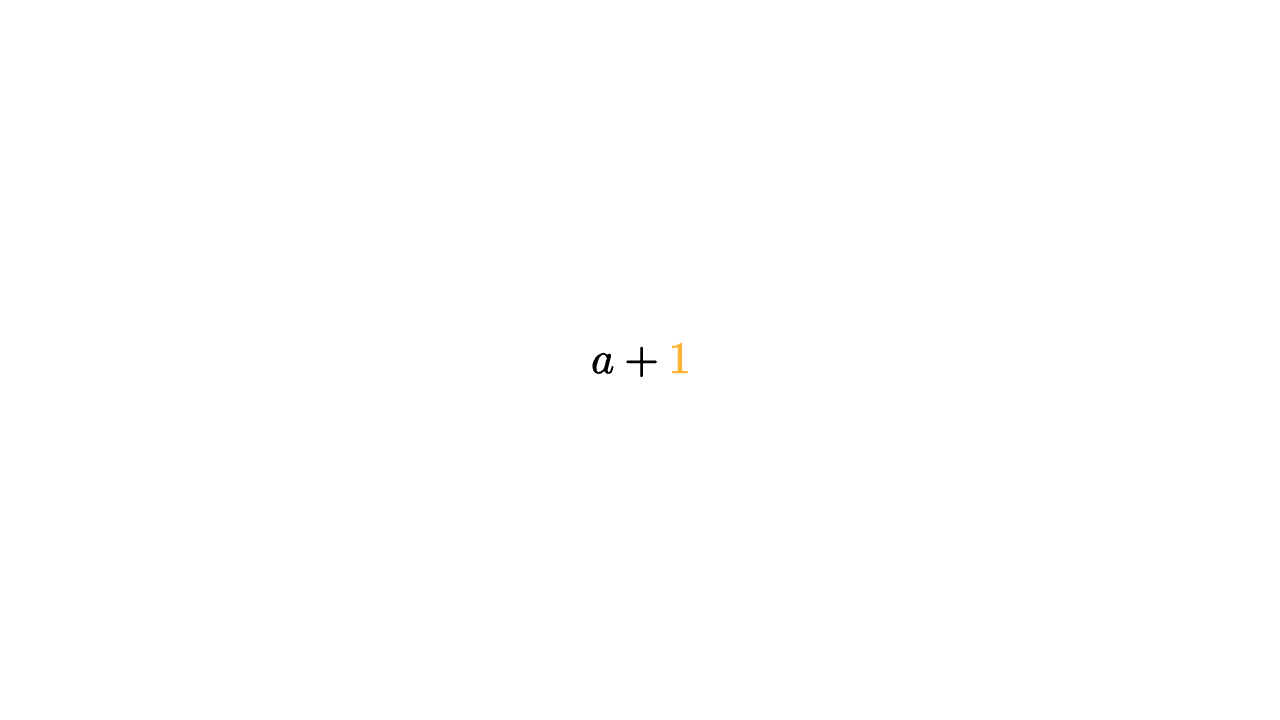
# raw markers in a plain string, and a multi-identity tag on the "1"mesheq=center{ORIGIN}color{ORANGE,|g|9ing}Tex("\tag1{a} + \text_tag{9}{1}",1)
Use this when the input needs LaTeX body structure beyond a single display formula -- an aligned block, \textbf / \text{} prose, enumerate, a tikzpicture. For a plain formula use Tex (no $, already in math mode). additional_preamble is inserted before \begin{document} for \usepackage{...} and font setup such as \usepackage{fontspec} on the system backend. Latex takes the same text_tag{...} / \tagN{...} markers as Tex.
Not available in web runtimes; a browser scene must use Text or Tex.
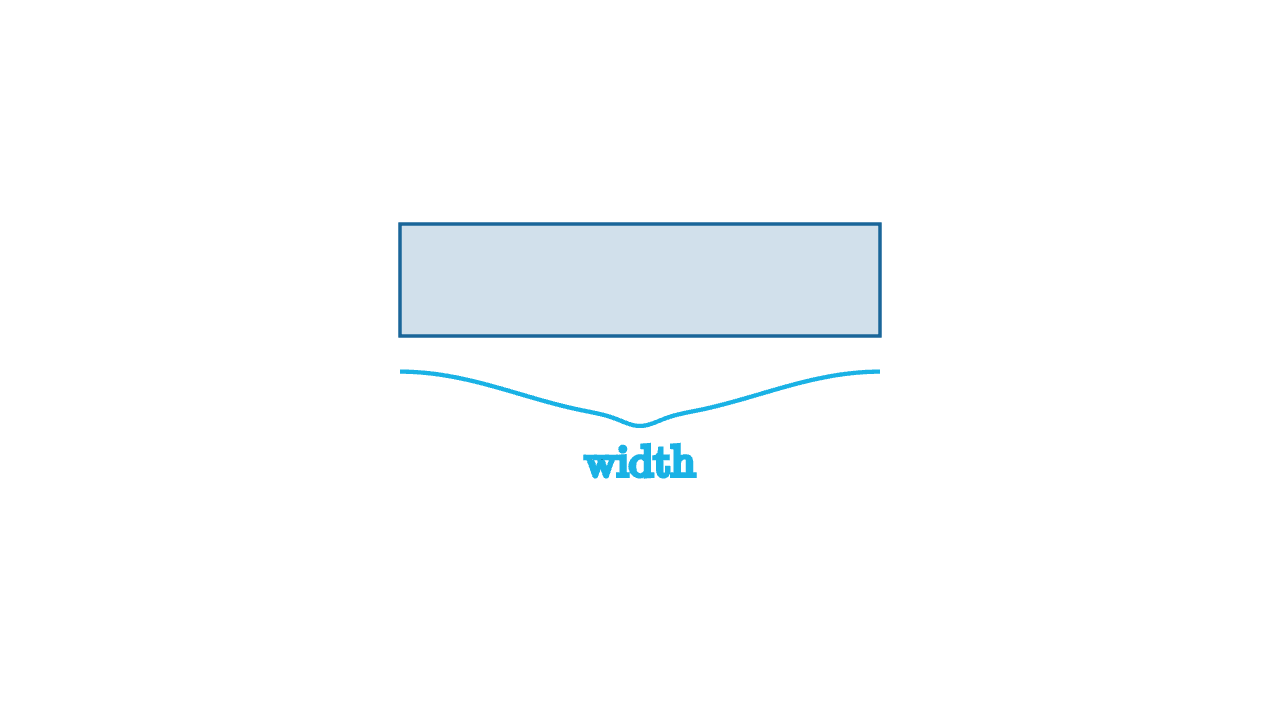
Curly brace spanning from start to end, bulging to one side, with an optional label.
Sampled as a smooth stroke polyline in the XY plane: it meets both endpoints tangent to the span and swells to depth at the midpoint, where a sharper tip points outward. By default the brace bulges to the right of the start->end direction (its -90 deg normal); pass direction to choose the bulge side explicitly. When label is a string, the result is [brace, text] with the label placed just past the tip.
The label is rendered as text, then placed outside the target in dir while staying centered on the target's orthogonal direction. Pass font as a system font name or font filename to use direct font outlines instead of the default LaTeX renderer.
With decimal_places = nil, formatting uses compact %g-style output. Set include_sign truthy for a leading plus sign on positive values. Passing a system font family or font-file path renders direct font outlines rather than the built-in number glyphs; custom fonts are native-only and are not available on web.
This is a configuration operator; compose it before Axis1d, Axis2d, or Axis3d. It uses set_default internally, so axis settings interpolate cleanly when the axis is animated.
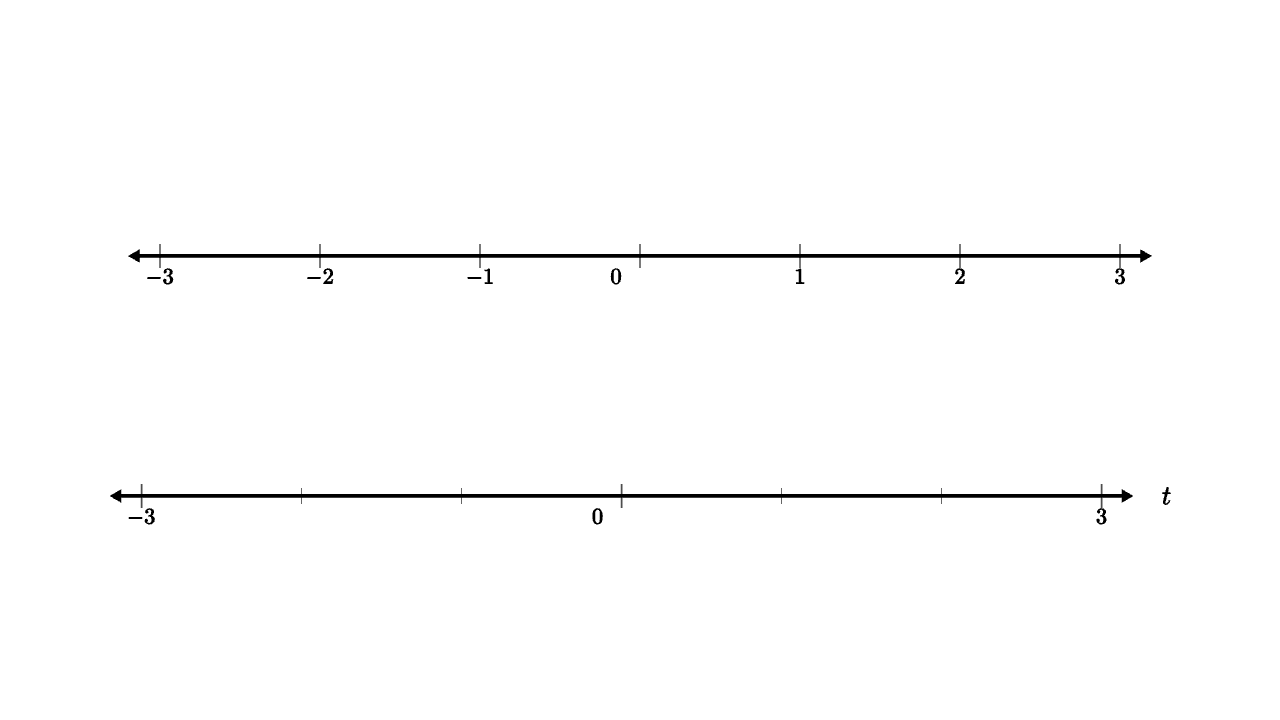
A labelled number line: a friendlier Axis1d where every tick is labelled by default.
Thin convenience over Axis1d. Unlike Axis1d/Axis2d, major_tick_rate defaults to 1, so every tick gets a number. Pass label_map = nil for an unlabelled ruler, or a |value| ... callable (for example |x| Number(x, 1)) for custom tick text. Set axis_title for a label at the positive end.
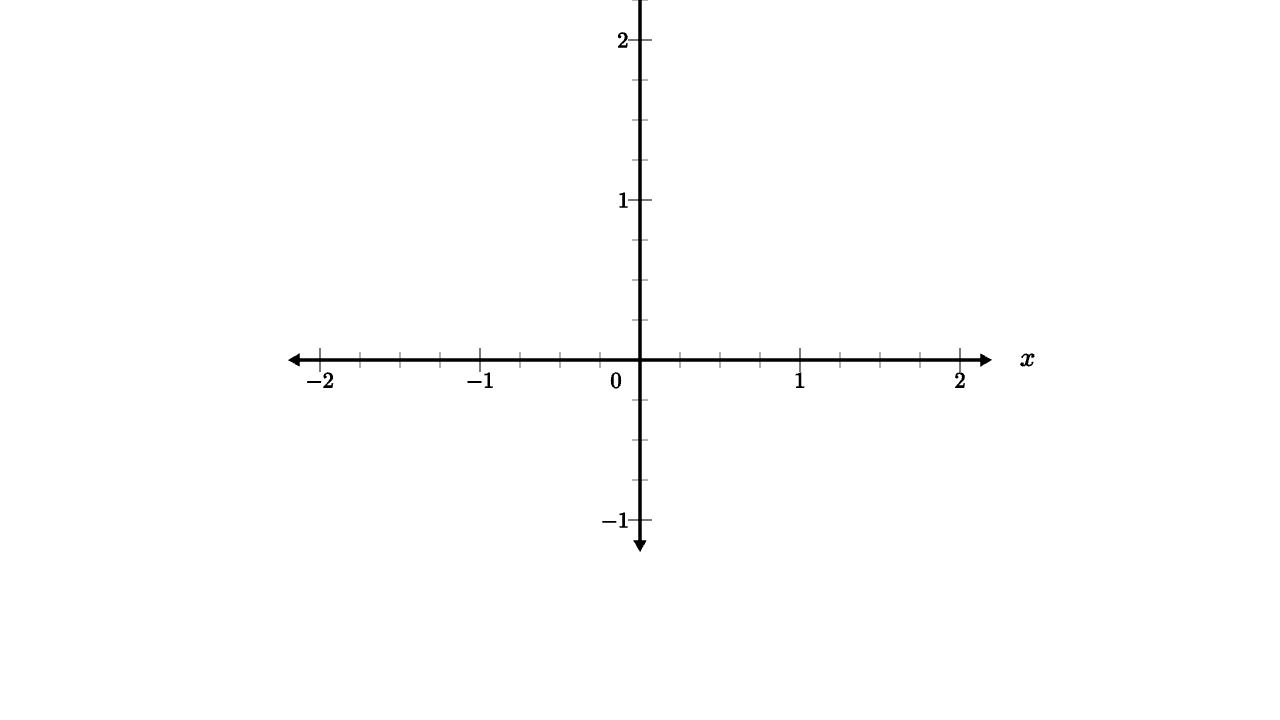
Two-dimensional coordinate axes, optionally with grid lines.
basis gives the scene-space x/y unit vectors for the graph. Use grid_color to draw grid lines; leave it nil for ticks only. Grid lines are already split into major/minor by each axis's major_tick_rate. In each axis style list, set the last slot (arrow_extrusion) to nil to hide that axis's arrowheads.
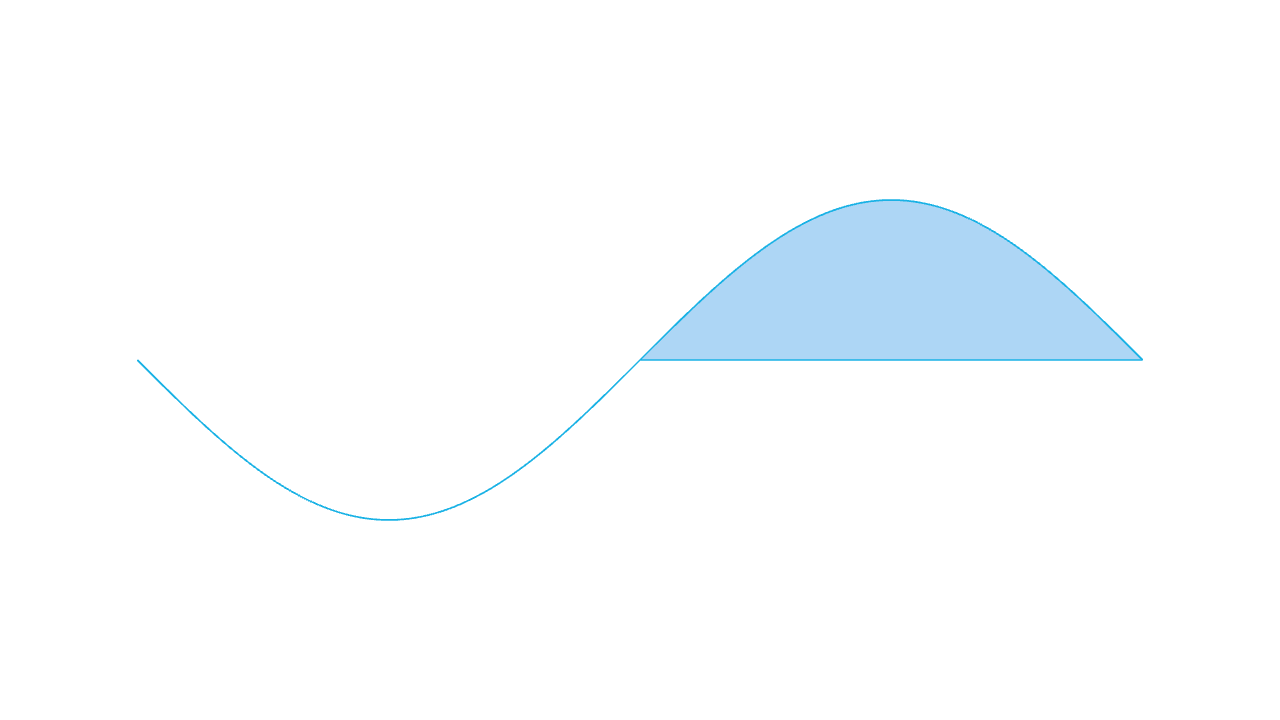
Endpoints are included. Use in_space{...} to embed the graph into a custom axes coordinate system. Set fill to an RGBA colour to also shade the area between the curve and the x axis (this is ExplicitFuncDiff(f, |x| 0, ...) under the hood). Set endpoint_dots truthy to append visible Dots at the two ends. When either is used the result is a mesh list [ (fill,) curve (, dots) ] rather than a bare polyline. Where f(x) returns nil or a non-finite number (a pole, a hole, a piecewise gap), both the curve and the optional fill are split into separate pieces around the gap instead of drawing a vertical jump.
Usually configured through axis_style{"x", ...} rather than by manually editing the compact x_axis style list. In the style list, tick_spacing may be a list of exact tick positions instead of a step, arrow_extrusion may be nil to hide the axis arrowheads, label_map may be nil to hide tick labels, and an 8th slot sets tick_placement ("both" / "positive" / "negative" / "centered").
Three-dimensional coordinate axes, optionally with grid lines.
label_up controls how tick labels and titles are oriented per axis; pass three up vectors when default text orientation is not readable from the active camera.
The function receives t and returns a 3-D point. Endpoints are included. Where f(t) returns nil or a point with a non-finite component, the curve is split into separate contours rather than jumping across the gap.
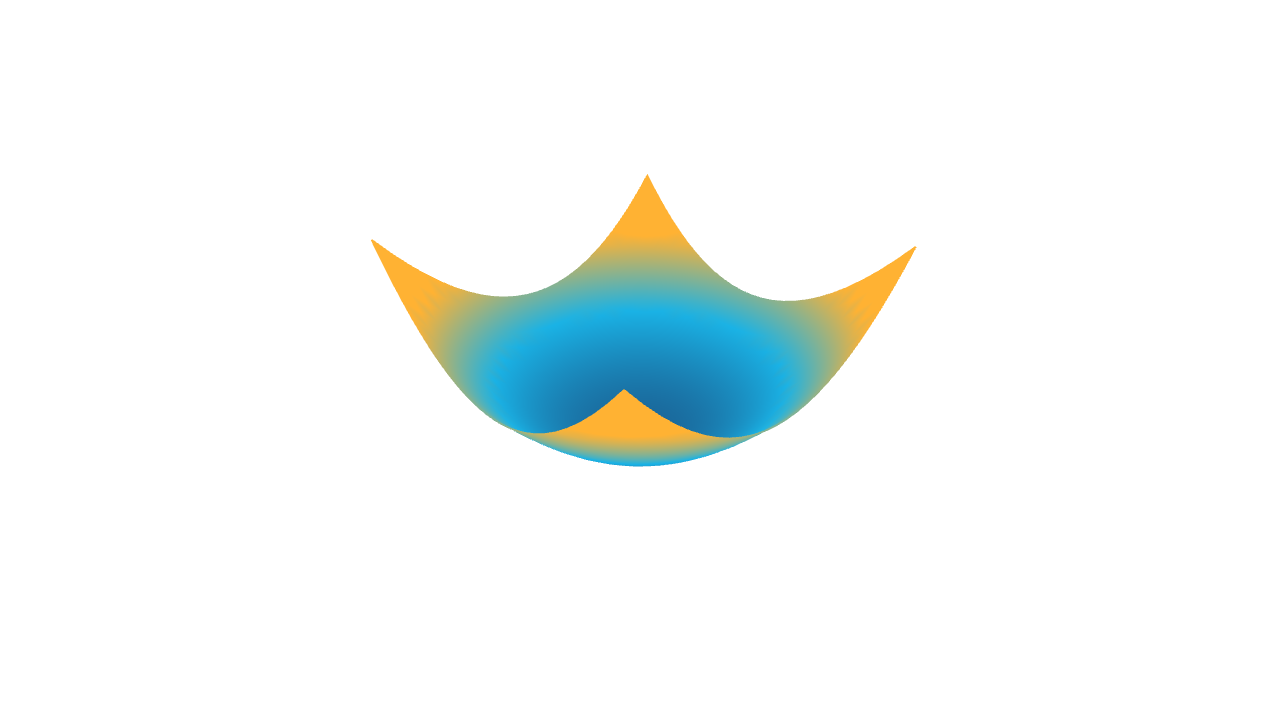
The function receives (x, y) and returns z. The domain lists are [min, max, samples]. Pass color_at as a |x, y, z| ... callback returning an RGBA colour to shade the surface per vertex (for height maps / gradients); leave it nil for the default flat surface colour.
# colour-by-height via the color_at callbackmeshheat=ExplicitFunc2d(|x,y|0.5*(x*x+y*y)-0.6,[-1.2,1.2,25],[-1.2,1.2,25],|x,y,z|keyframe_lerp([0->BLUE,0.5->CYAN,1->ORANGE],z+0.6))camera=Camera([2.8,-2.6,2.2],[0,0,0],[0,0,1])
Sample an implicit 2-D contour around f(x, y) <= 0.
Uses a padded rectangular sign grid and extracts the boundary of the non-positive region as linked stroke loops; increase sample counts for sharper features.
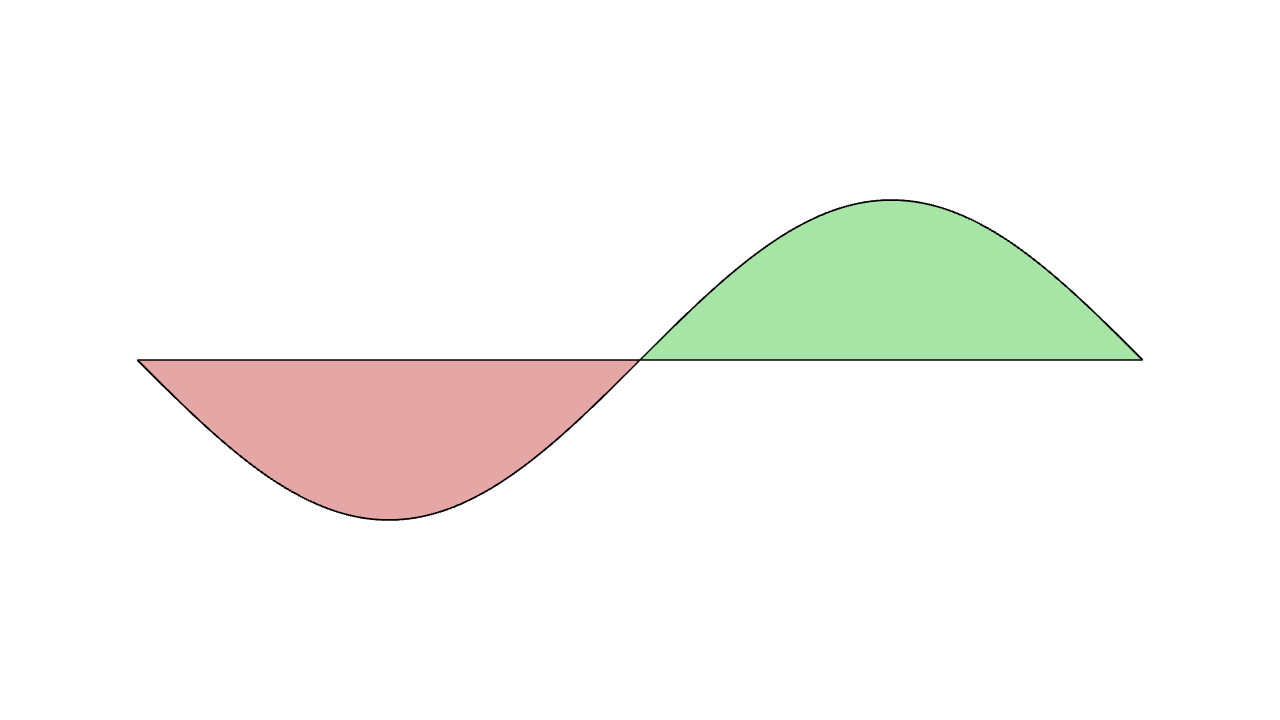
Fill the signed area between two explicit functions.
Returns two tagged filled regions, one for where f is below g and one for where it is above. This is useful for shaded inequalities or visualizing approximation error. Where either f or g returns nil or a non-finite number, that column is a gap and the fill and outline are split around it.
Replace mesh tags, optionally filtered by existing tags.
Tags are stable identities for filters and tag-aware animations. A scalar tag becomes a one-element tag list; a list can give one mesh several identities. Use tag{...} after construction for whole mesh leaves. For text/Tex/LaTeX fragments, prefer text_tag{...} inside the constructor so only the generated contours for that fragment receive the tag.
A scalar or list filter matches leaves containing any requested tag. A predicate filter receives the full tag list for each mesh leaf, not one tag at a time. Tags produced by text_tag{...} are ordinary mesh tags here, so this can select individual text or formula fragments after rendering.
Promote lower-dimensional topology into higher-dimensional topology.
uprank turns point chains into line segments and closed line contours into tessellated filled surfaces. It is useful before operations that expect surfaces, such as extrude, or when a closed outline should become fillable.
Demote higher-dimensional topology into lower-dimensional topology.
downrank turns surfaces into boundary strokes and strokes into endpoint dots. Use it for outlines/wire geometry, or to expose a filled shape's boundary for stroke-only proofs and construction diagrams.
Rewrites line geometry into dash segments while preserving fills and dots in the same mesh tree. A scalar lengths value uses the same dash and gap length.
Keep a mesh fixed relative to the frame while camera changes.
Remaps mesh positions from original_camera to live_camera so the mesh keeps the same apparent screen placement during camera motion. Use this for overlays, labels, and callouts that should not drift while the camera lerps.
Rotate a mesh tree so its local XY plane faces the camera.
Keeps the affected mesh tree's bounding-box center fixed, then interprets each vertex offset from that center in a camera-facing local basis. The local y axis follows the camera up direction projected perpendicular to the view direction, and the local x axis is chosen to preserve a right-handed local frame. Use this for labels, panels, and flat mesh trees that should turn toward the camera without changing their center.
Maps each point p to axis_center + x_unit * p.x + y_unit * p.y + z_unit * p.z, and remaps dot/line normal hints through the same basis. This is commonly used to build graphs in axis coordinates and then embed them into global scene coordinates.
Split a mesh into [matching, non_matching] by tag filter.
Useful for transfer animations and custom progressors that need to move part of a mesh tree. The filter rules match tag_filter, including text tags recovered from Text, Tex, and Latex.
Compute an intermediate Trans morph value between two meshes.
This is the pure value form behind the Trans animation. path_arc bends point paths through circular arcs; pass 0 for straight-line motion or a 3-vector whose direction chooses the arc plane and whose length is the arc angle in radians.