Build an RGBA color from HSV components.
Hue wraps modulo 1, so hsv(1.1, s, v) is the same hue as hsv(0.1, s, v).
Copy let hsv = | h , s , v , a = 1 | .. . hhue wrapped over [0, 1] ssaturation in [0, 1] vvalue in [0, 1] aalpha component in [0, 1], default 1
Copy let palette = [ hsv ( 0.55 , 0.7 , 0.9 ) , hsv ( 0.85 , 0.5 , 0.9 ) ]
Return a color with the same RGB channels and a new alpha component.
This is an operator so it composes naturally inside styling, for example fill{alpha{0.16} BLUE}.
Copy let alpha = operator | target , a | .. .
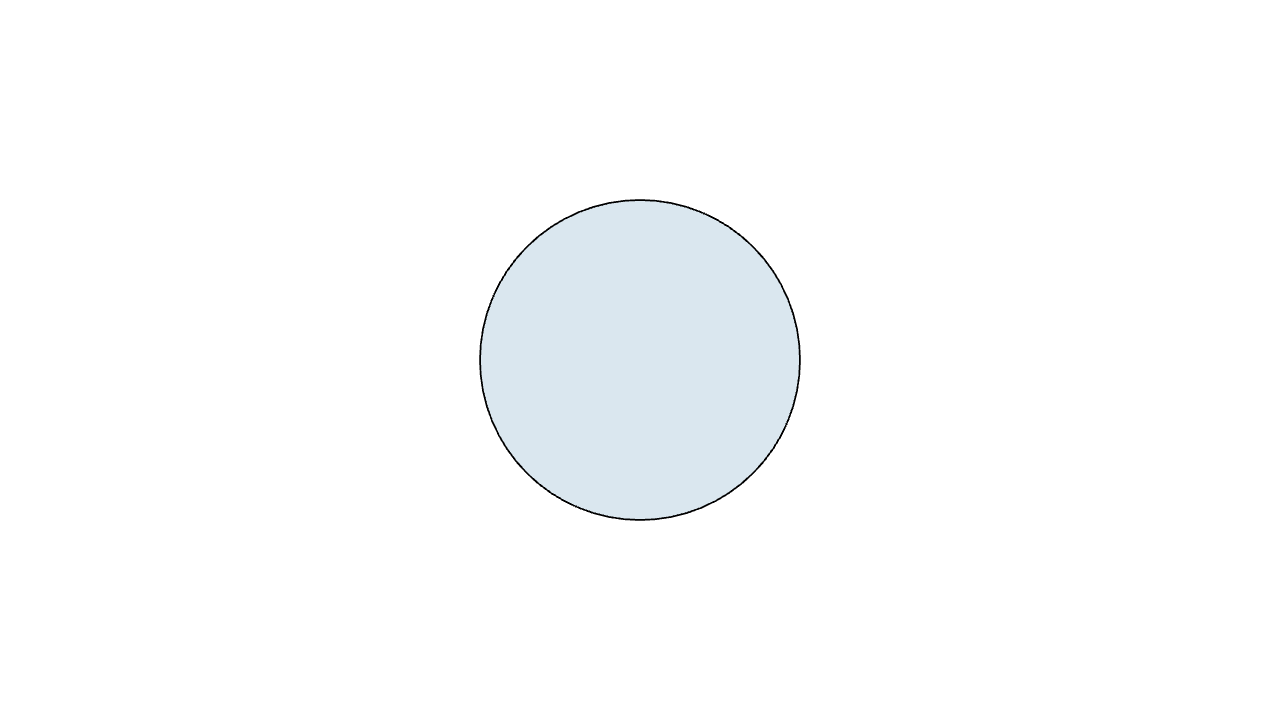
image doc-color-alpha-1.mcl
Copy mesh disk = fill { alpha { 0.16 } BLUE } Circle ( 1 )
Return a softened color by blending white toward the target color.
This is an operator so it composes naturally inside styling, for example fill{soft{} BLUE}. It matches lerp(WHITE, color, softness), and the optional softness value defaults to 0.22.
Copy let soft = operator | target , softness = 0.22 | .. . softnessamount of the target color mixed into white, default 0.22
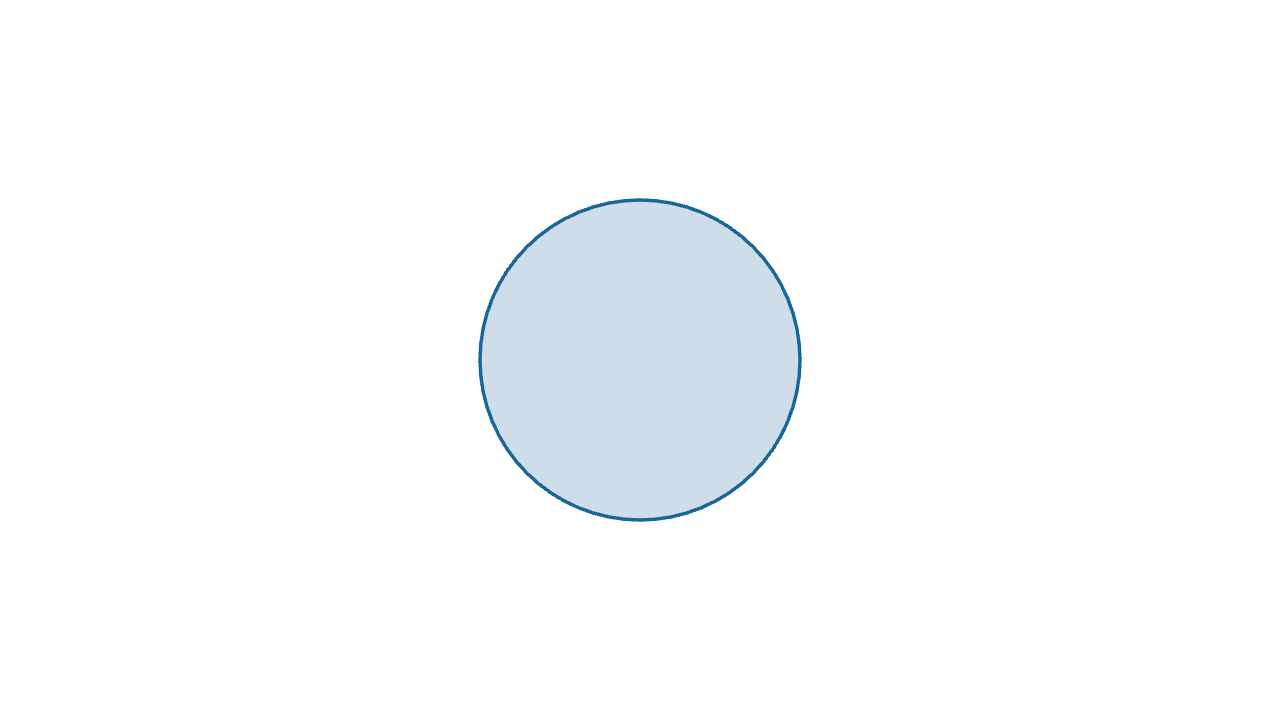
image doc-color-soft-1.mcl
Copy mesh disk = fill { soft { } BLUE } stroke { BLUE , 2 } Circle ( 1 )
Warm red RGBA color constant.
Copy let RED = [ 0.9 , 0.3 , 0.2 , 1 ]
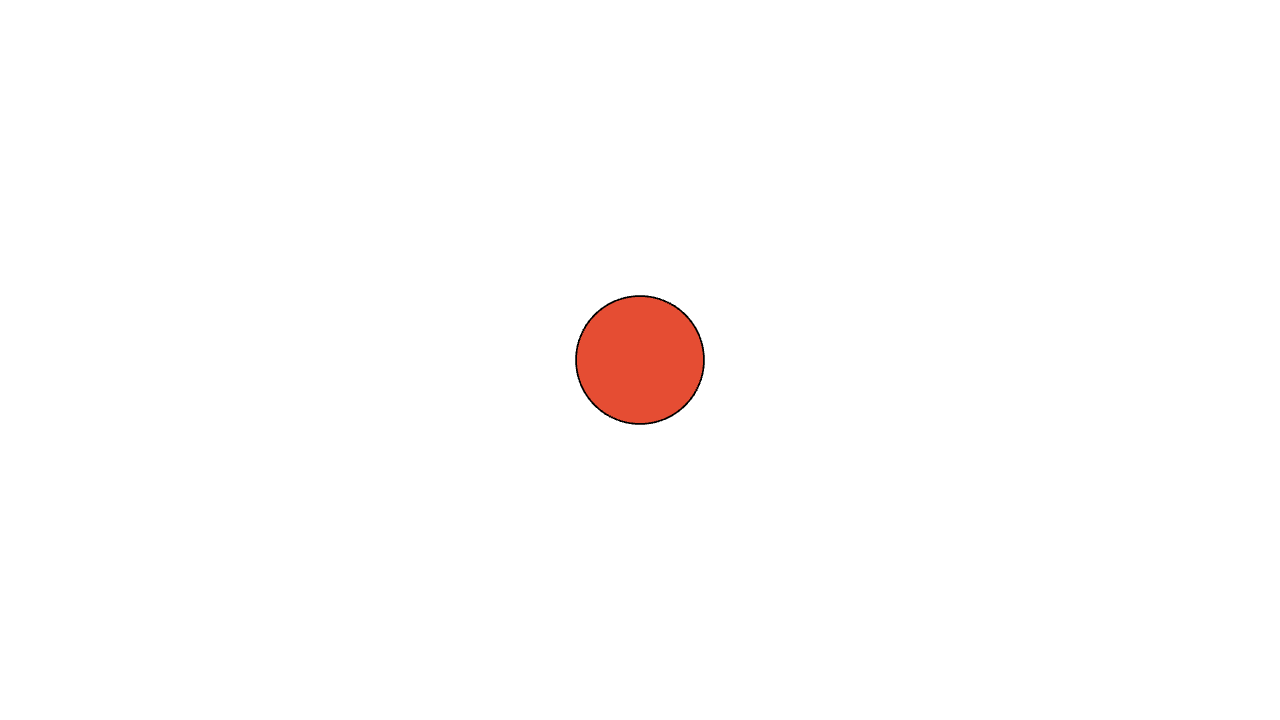
image doc-color-red-1.mcl
Copy mesh dot = fill { RED } Circle ( 0.4 )
Warm orange RGBA color constant.
Copy let ORANGE = [ 1.0 , 0.7 , 0.2 , 1 ]
Bright yellow RGBA color constant.
Copy let YELLOW = [ 1.0 , 1.0 , 0.0 , 1 ]
Green RGBA color constant.
Copy let GREEN = [ 0.2 , 0.6 , 0.3 , 1 ]
Teal RGBA color constant.
Copy let TEAL = [ 0.2 , 0.7 , 0.7 , 1 ]
Cyan RGBA color constant.
Copy let CYAN = [ 0.1 , 0.7 , 0.9 , 1 ]
Blue RGBA color constant.
Copy let BLUE = [ 0.1 , 0.4 , 0.6 , 1 ]
Dark blue RGBA color constant.
Copy let NAVY = [ 0.05 , 0.1 , 0.4 , 1 ]
Purple RGBA color constant.
Copy let PURPLE = [ 0.6 , 0.4 , 0.7 , 1 ]
Magenta RGBA color constant.
Copy let MAGENTA = [ 0.9 , 0.2 , 0.7 , 1 ]
Pink RGBA color constant.
Copy let PINK = [ 1.0 , 0.6 , 0.7 , 1 ]
Brown RGBA color constant.
Copy let BROWN = [ 0.5 , 0.3 , 0.2 , 1 ]
White RGBA color constant.
Copy let WHITE = [ 1.0 , 1.0 , 1.0 , 1 ]
Light gray RGBA color constant.
Copy let LIGHT_GRAY = [ 0.7 , 0.7 , 0.7 , 1 ]
Middle gray RGBA color constant.
Copy let GRAY = [ 0.5 , 0.5 , 0.5 , 1 ]
Dark gray RGBA color constant.
Copy let DARK_GRAY = [ 0.3 , 0.3 , 0.3 , 1 ]
Black RGBA color constant.
Copy let BLACK = [ 0.0 , 0.0 , 0.0 , 1 ]
Fully transparent black, useful for invisible fills and empty strokes.
Copy let CLEAR = [ 0.0 , 0.0 , 0.0 , 0 ]
image doc-color-clear-1.mcl
Copy mesh ring = fill { CLEAR } stroke { CYAN } Circle ( 1 )
Build an RGBA color from red, green, blue, and optional alpha components.
Copy let rgb = | r , g , b , a = 1 | [ r , g , b , a ] rred component in [0, 1] ggreen component in [0, 1] bblue component in [0, 1] aalpha component in [0, 1], default 1
Copy mesh item = fill { rgb ( 0.2 , 0.7 , 0.9 , 0.25 ) } Circle ( 1 )
Build an RGBA color from a hexadecimal HTML/CSS color literal.
Accepts #RRGGBB or #RRGGBBAA; the leading # is optional. Six-digit colors are fully opaque.
Copy let hex = | value | .. . valuehexadecimal color string
Copy mesh logo = fill { hex ( "#009ee0" ) } Circle ( 1 )
Build a gray RGBA color from one luminance value and optional alpha.
Copy let gray_shade = | v , a = 1 | [ v , v , v , a ] vgray value in [0, 1] aalpha component in [0, 1], default 1
Copy mesh label = color { gray_shade ( 0.25 ) } Text ( "dim" )